
The app
Everything fans need, offline in a 5-star rated app
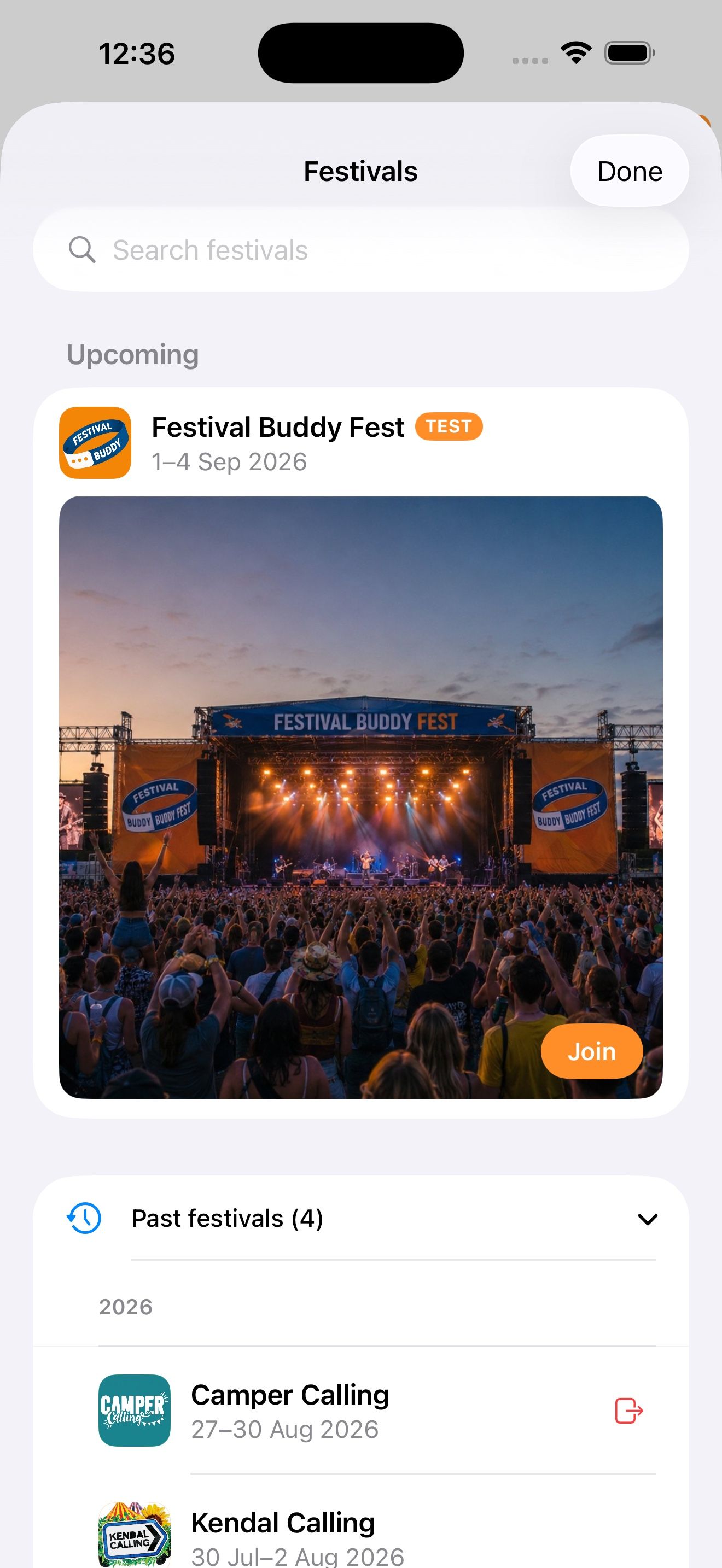
Festival Buddy is a free app for iPhone and Android. It holds your whole festival: every act, stage, set time, map and FAQ. Once loaded it needs no signal. Fans can build a personal schedule and share it with friends and family.
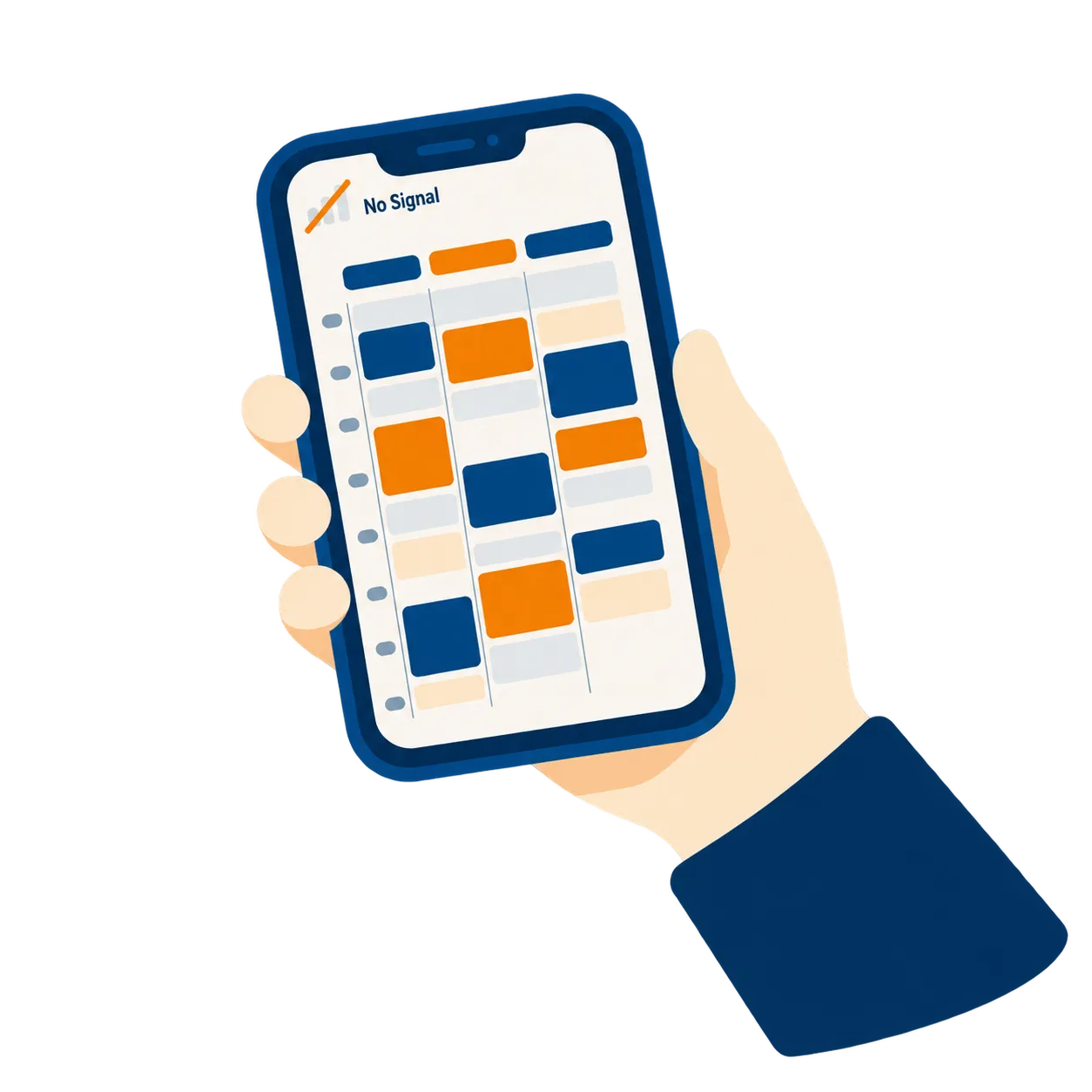
Works with no signal
The lineup, artwork, write-ups, maps and FAQ download the first time the app opens. After that nothing on site needs a connection. When there is a signal, the app quietly checks for changes and picks up anything you have published. When there is not, it carries on with what it has.
“Really useful when there’s no signal…and good to get a low down on the artist!”

The grid schedule
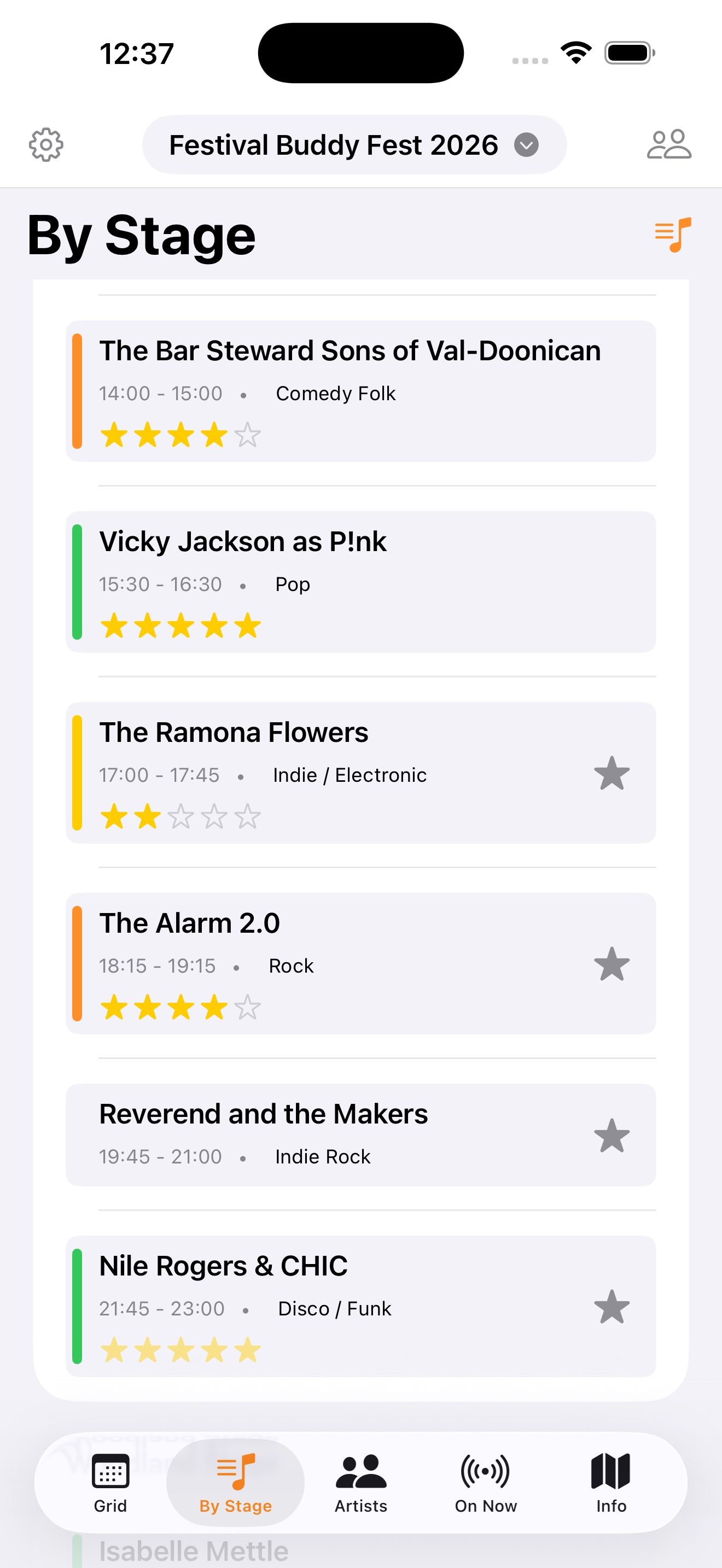
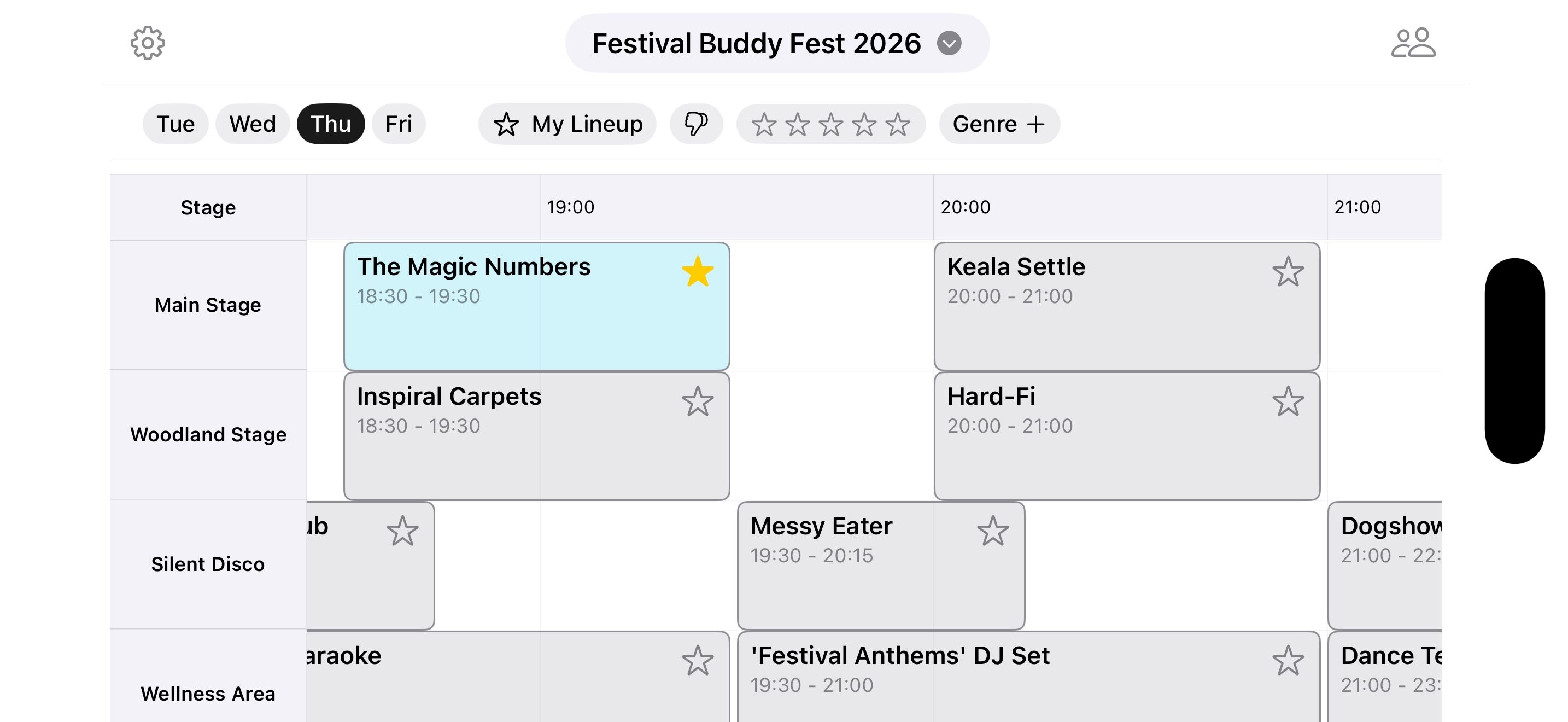
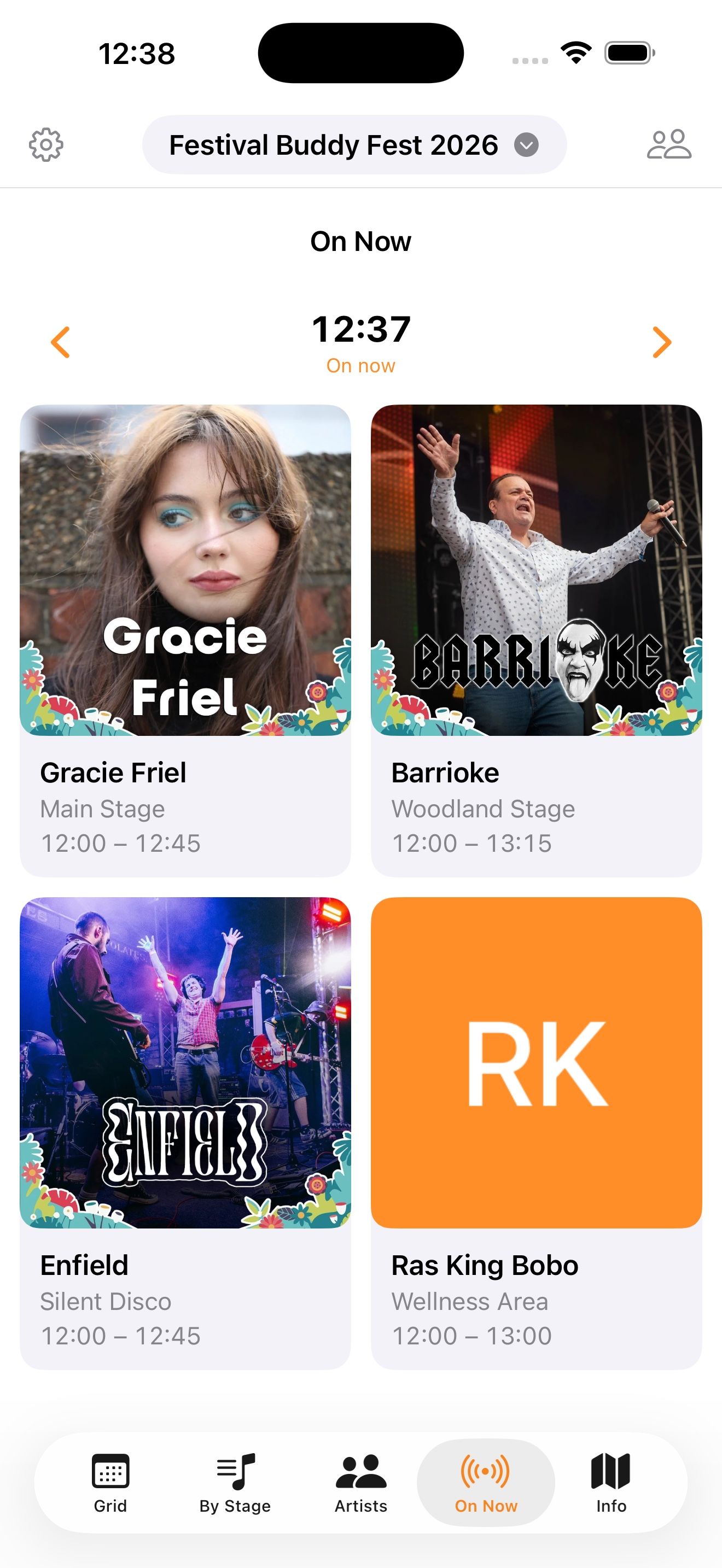
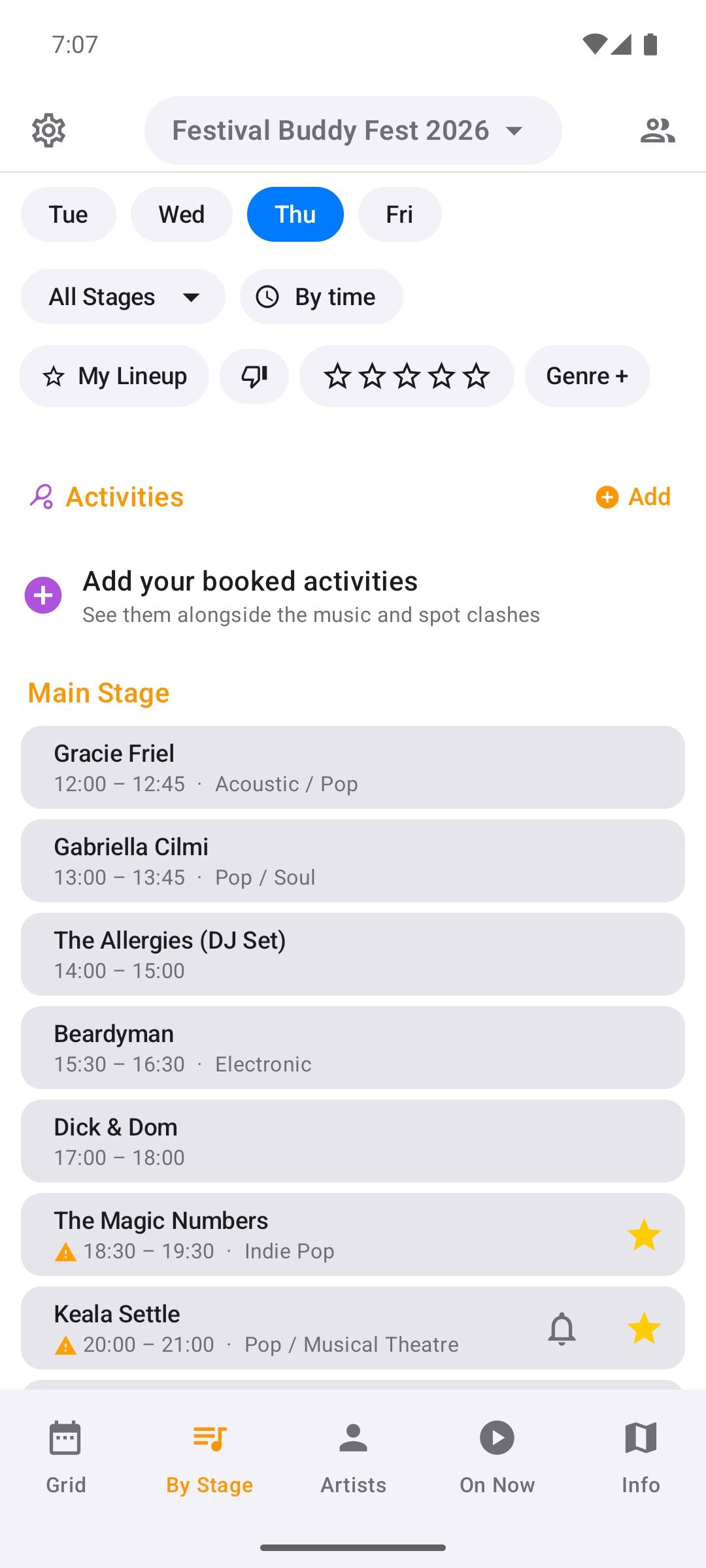
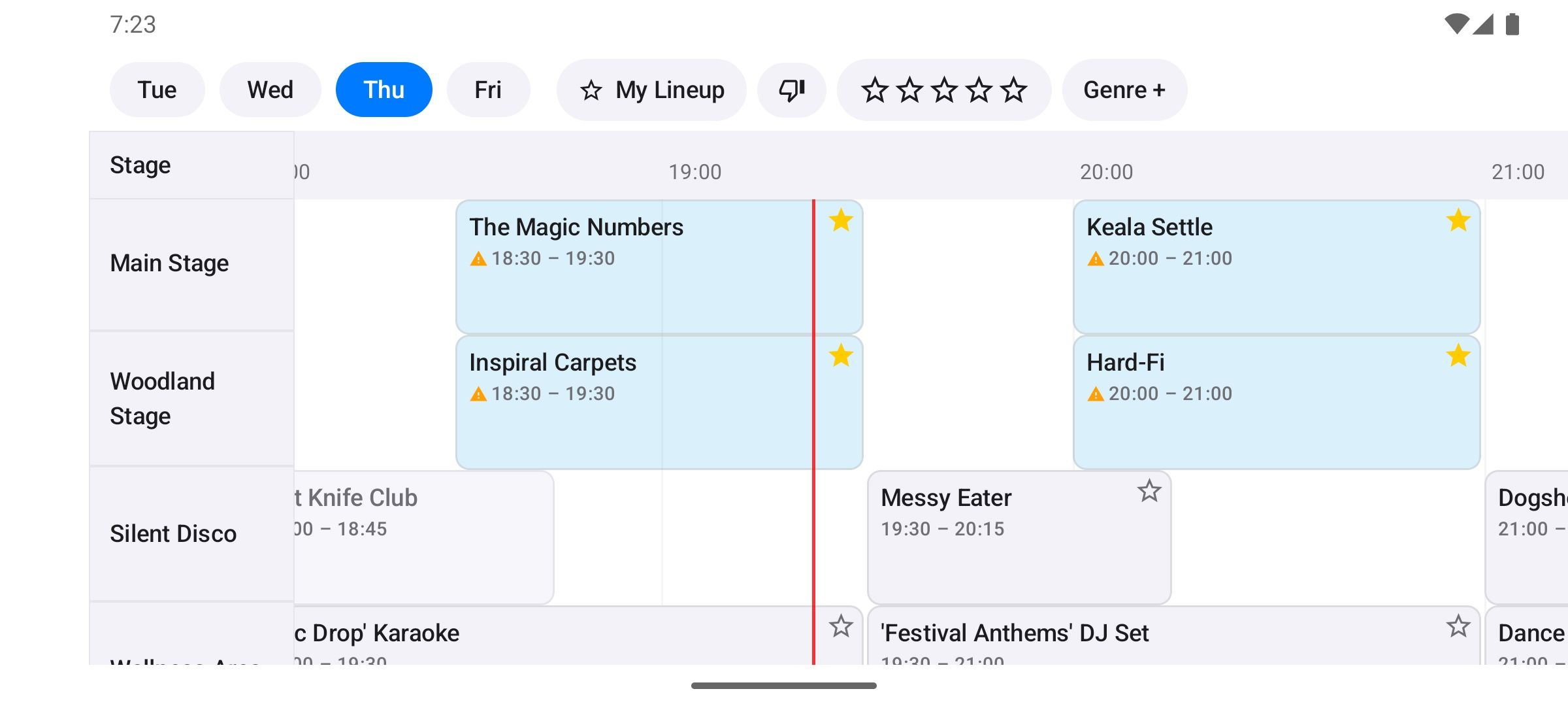
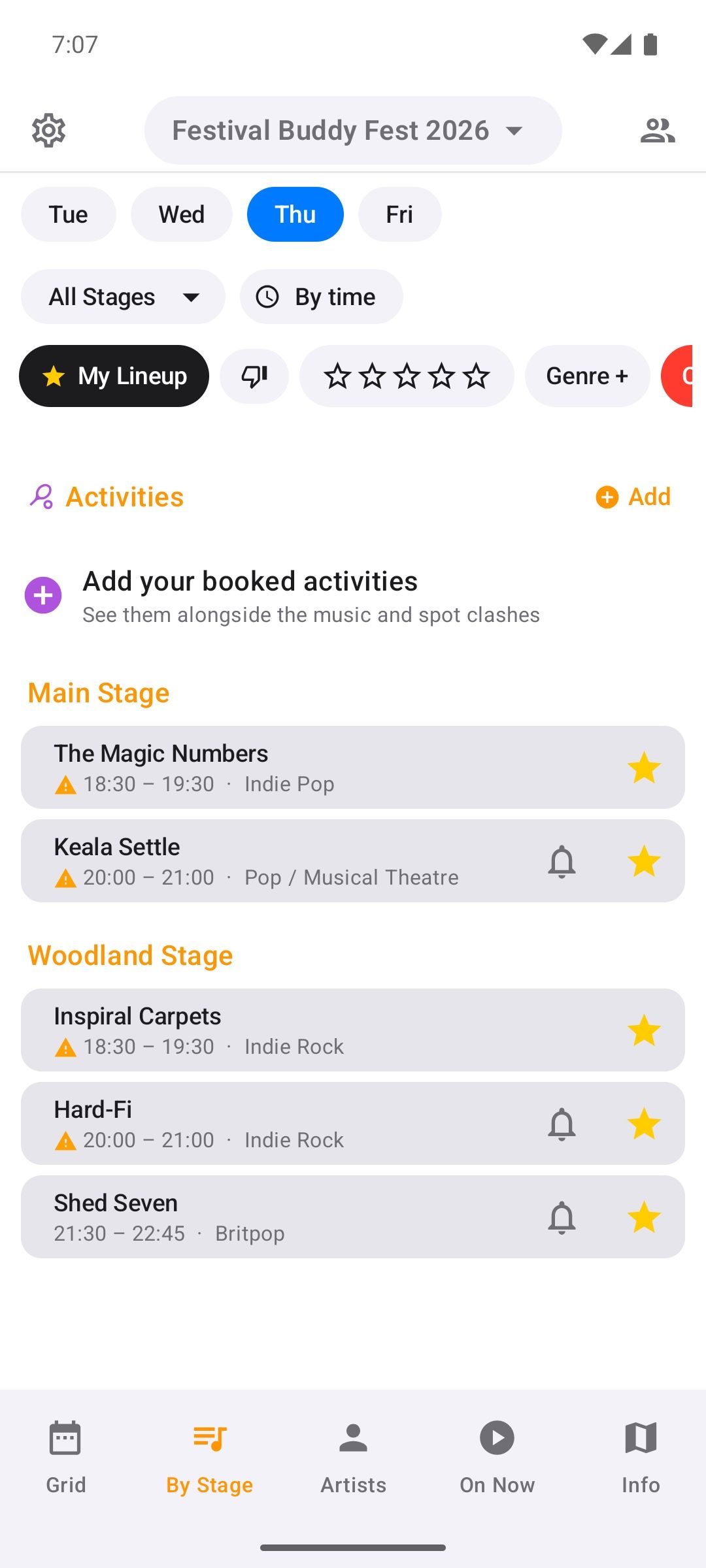
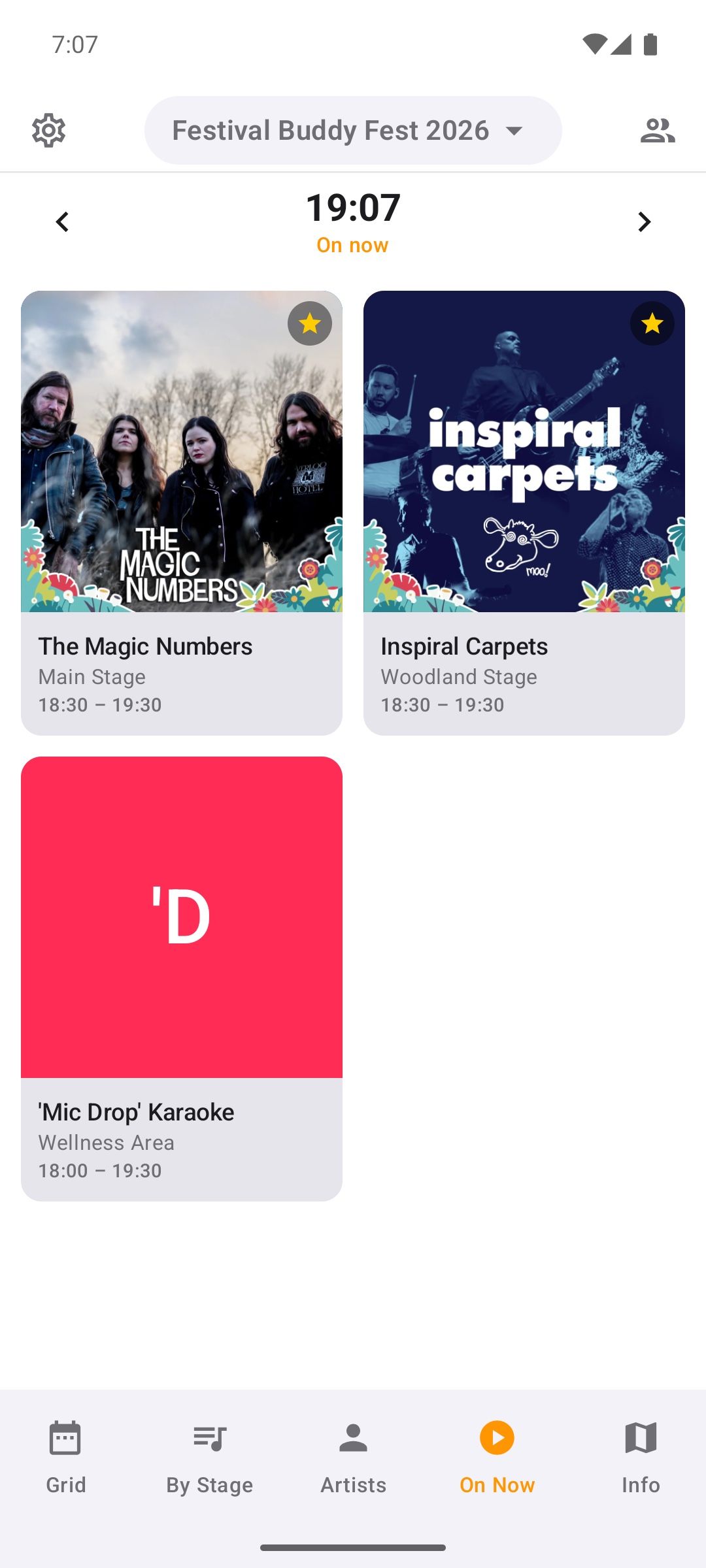
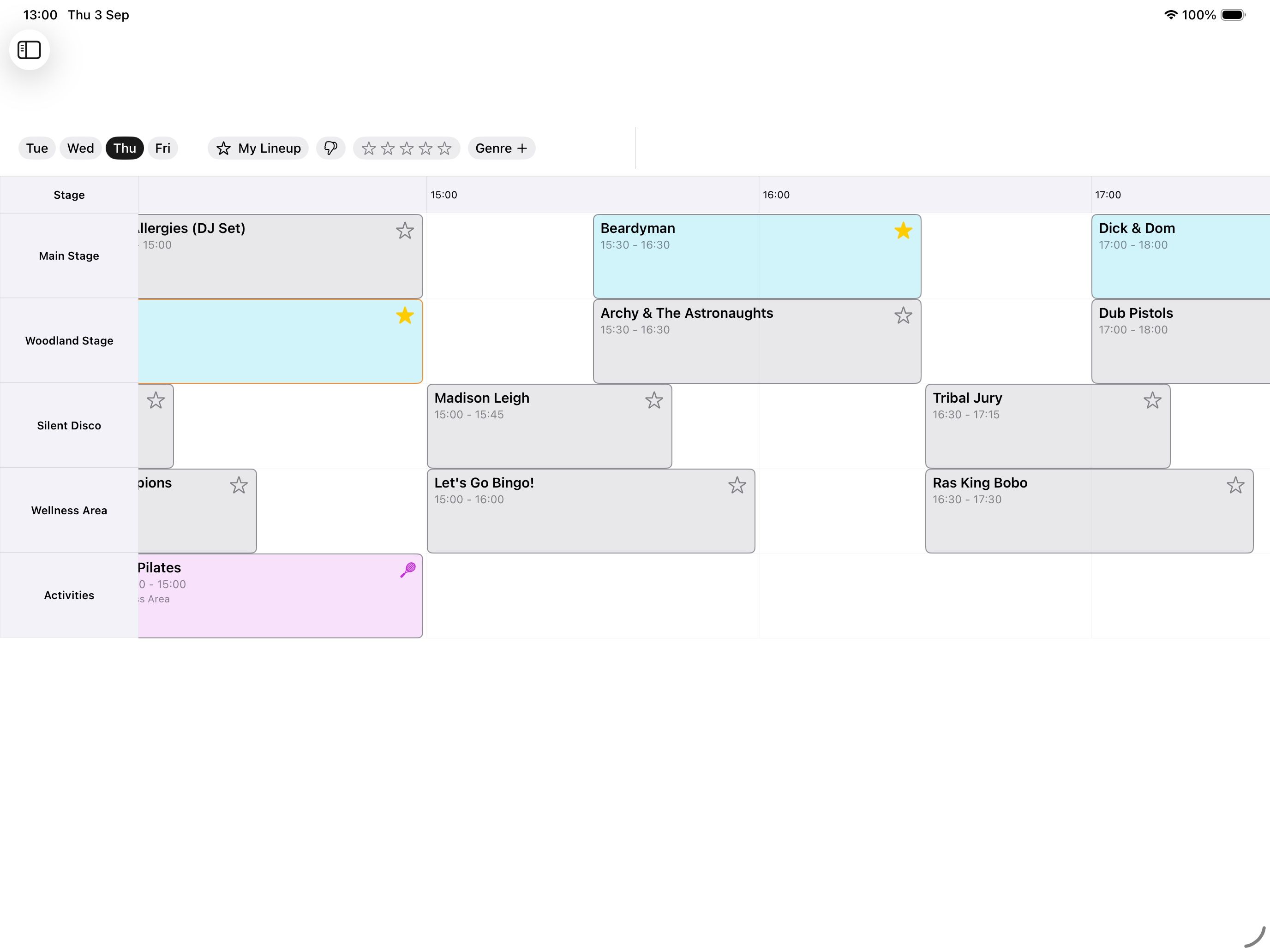
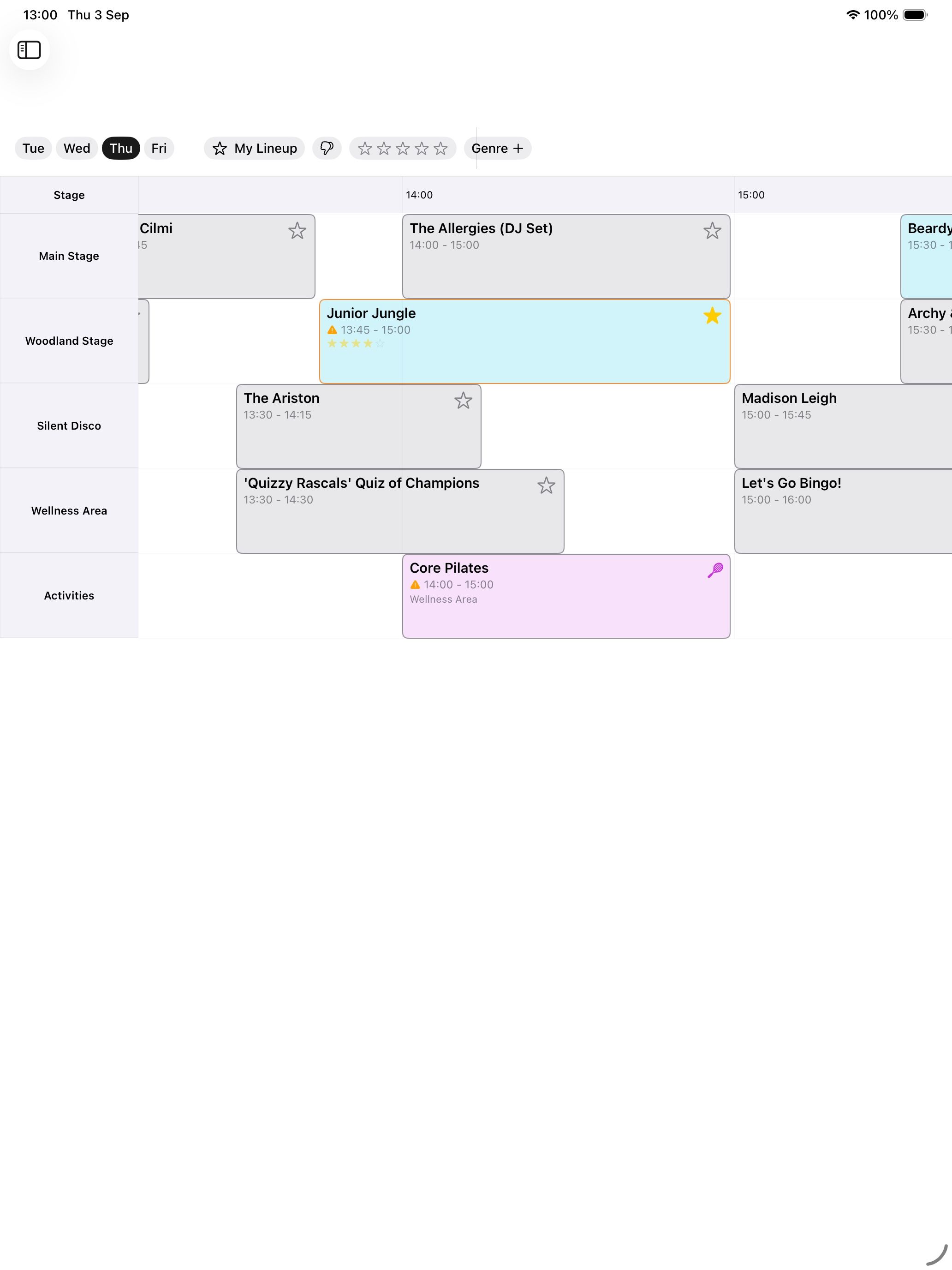
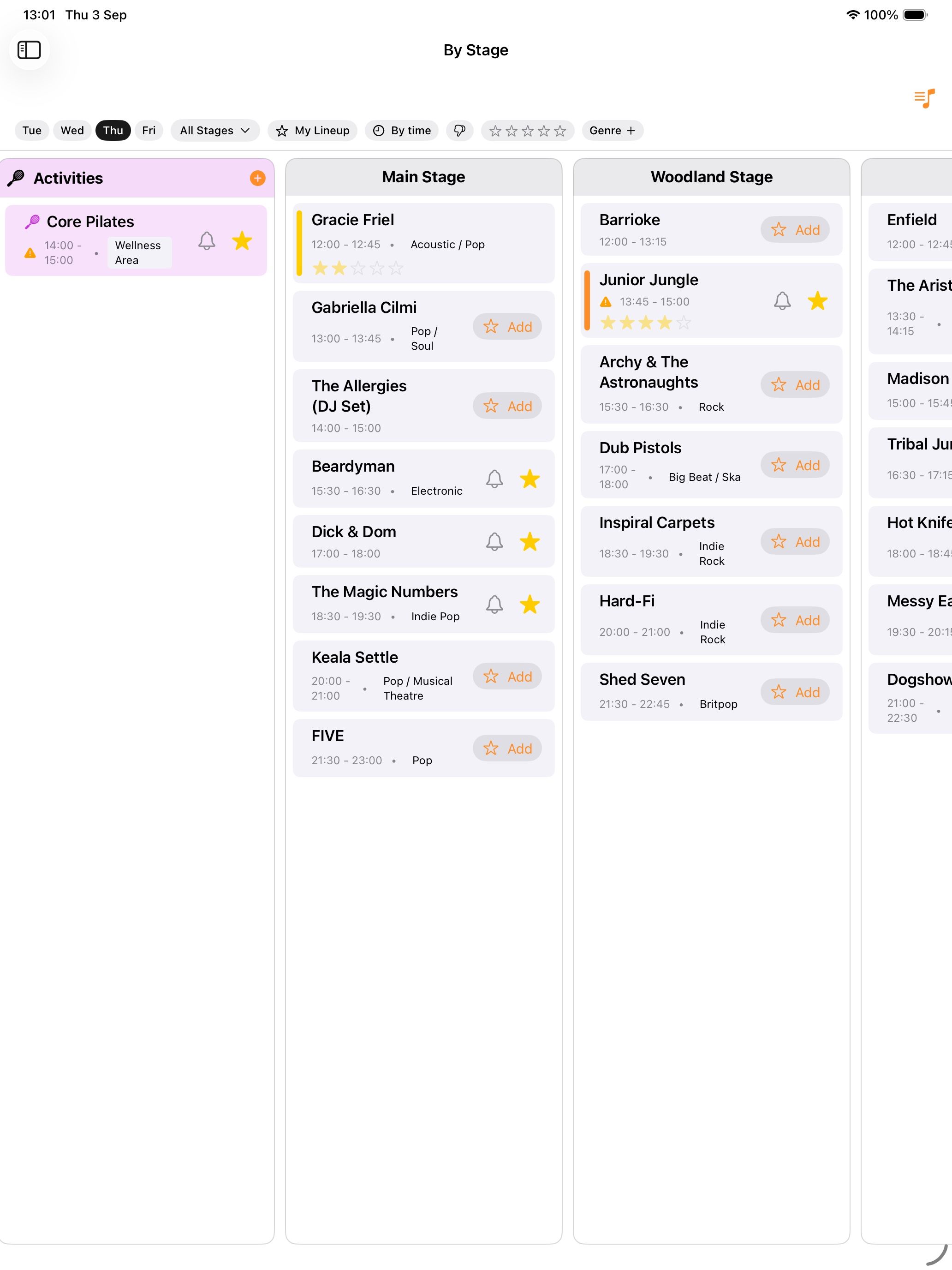
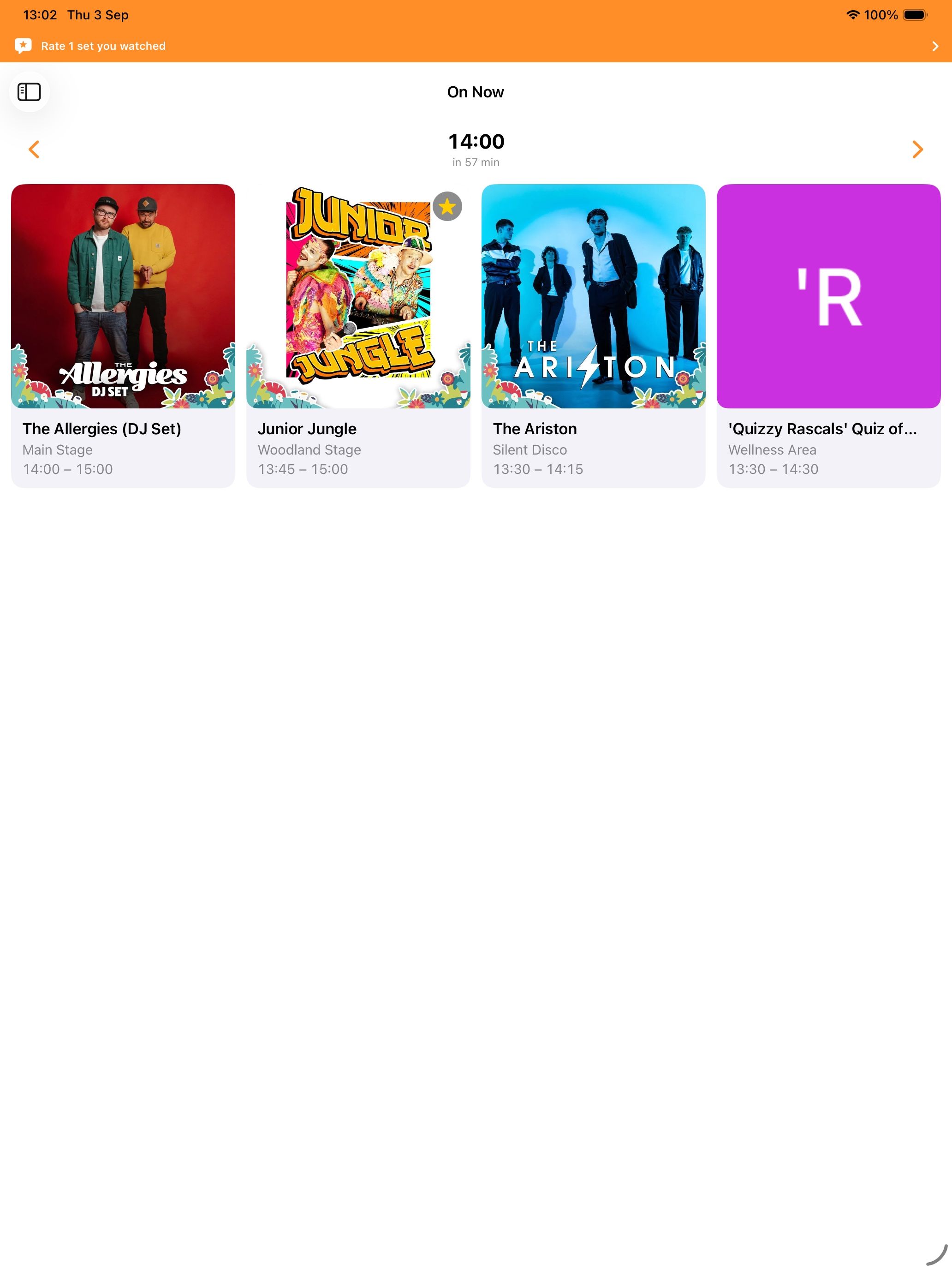
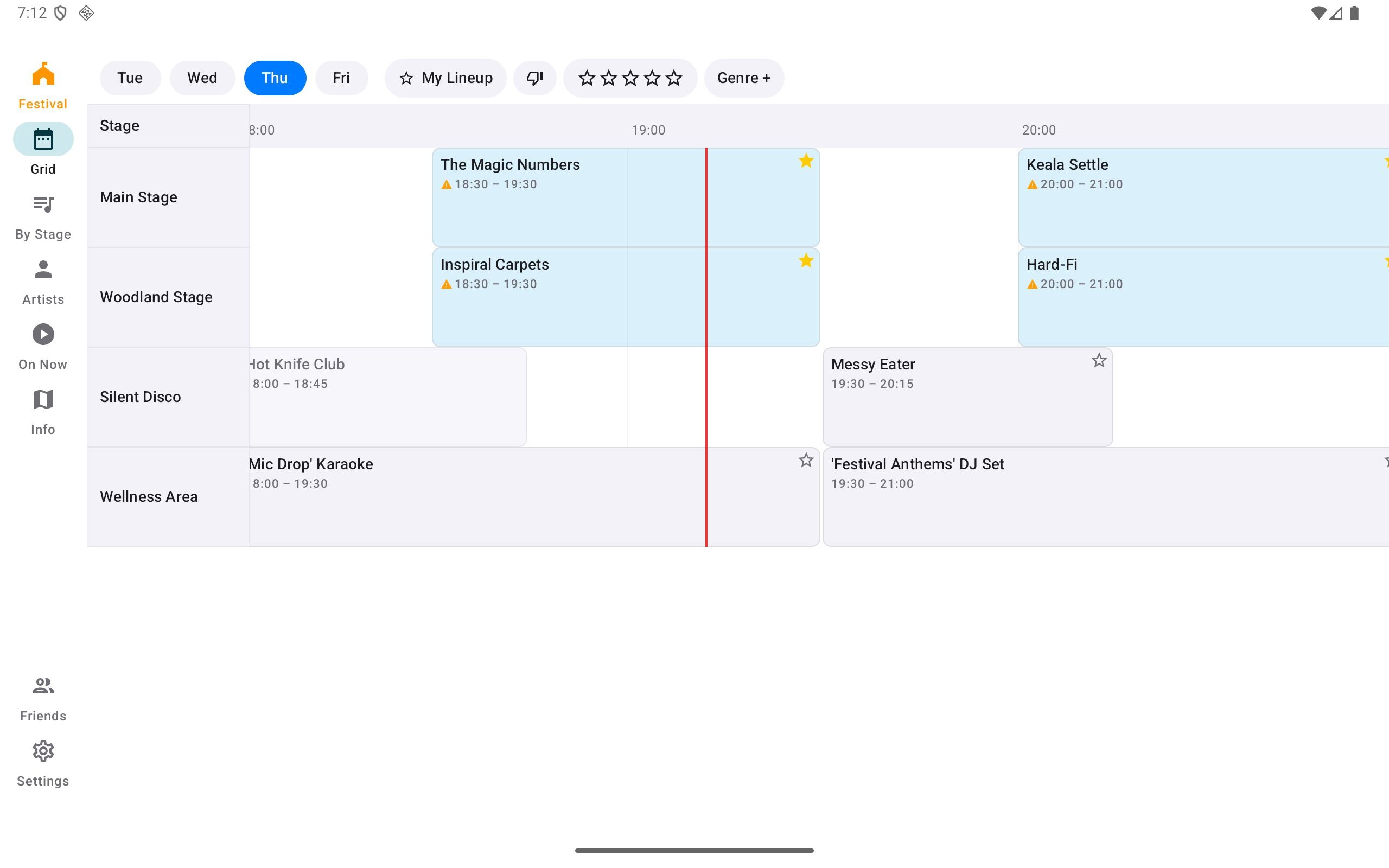
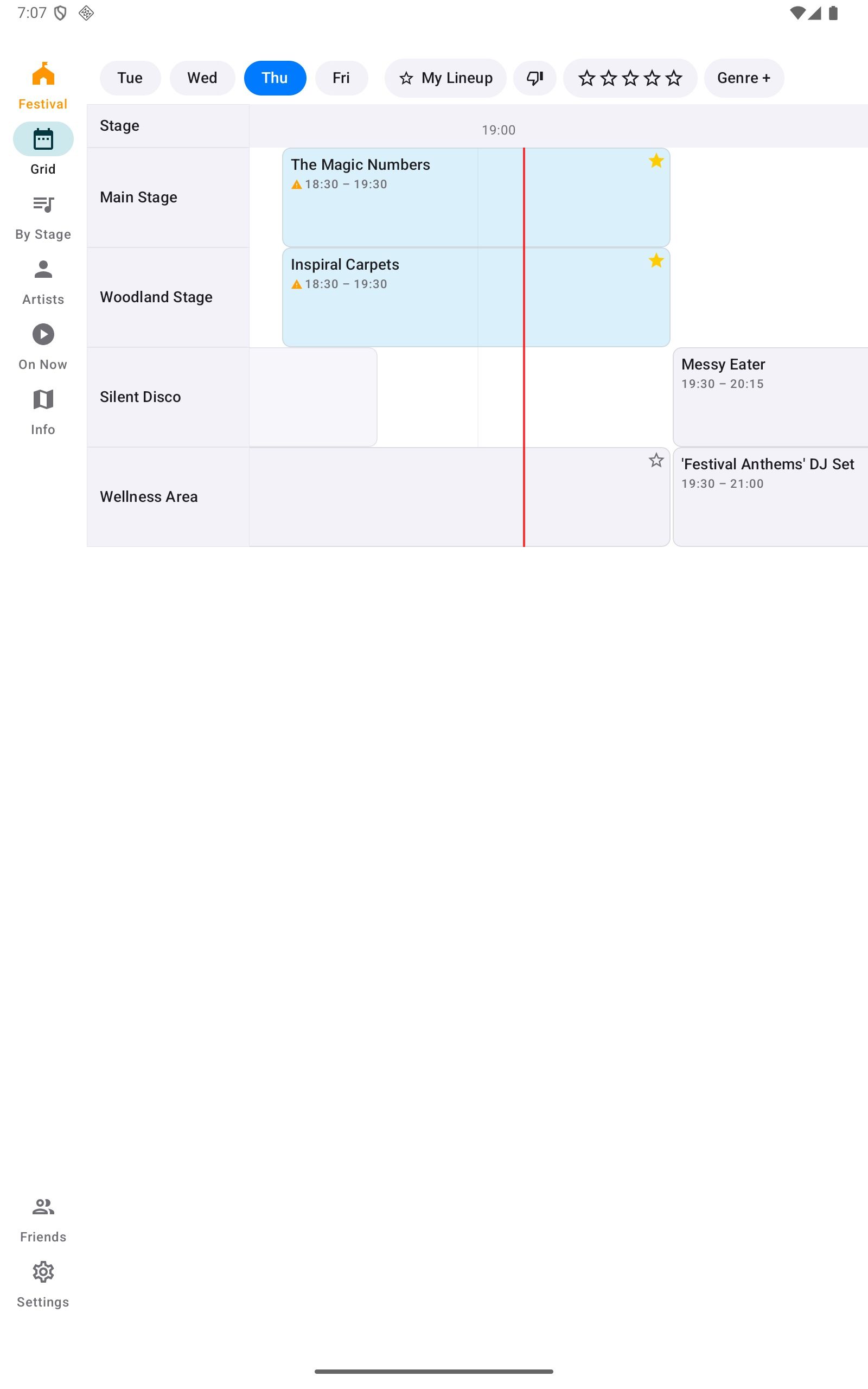
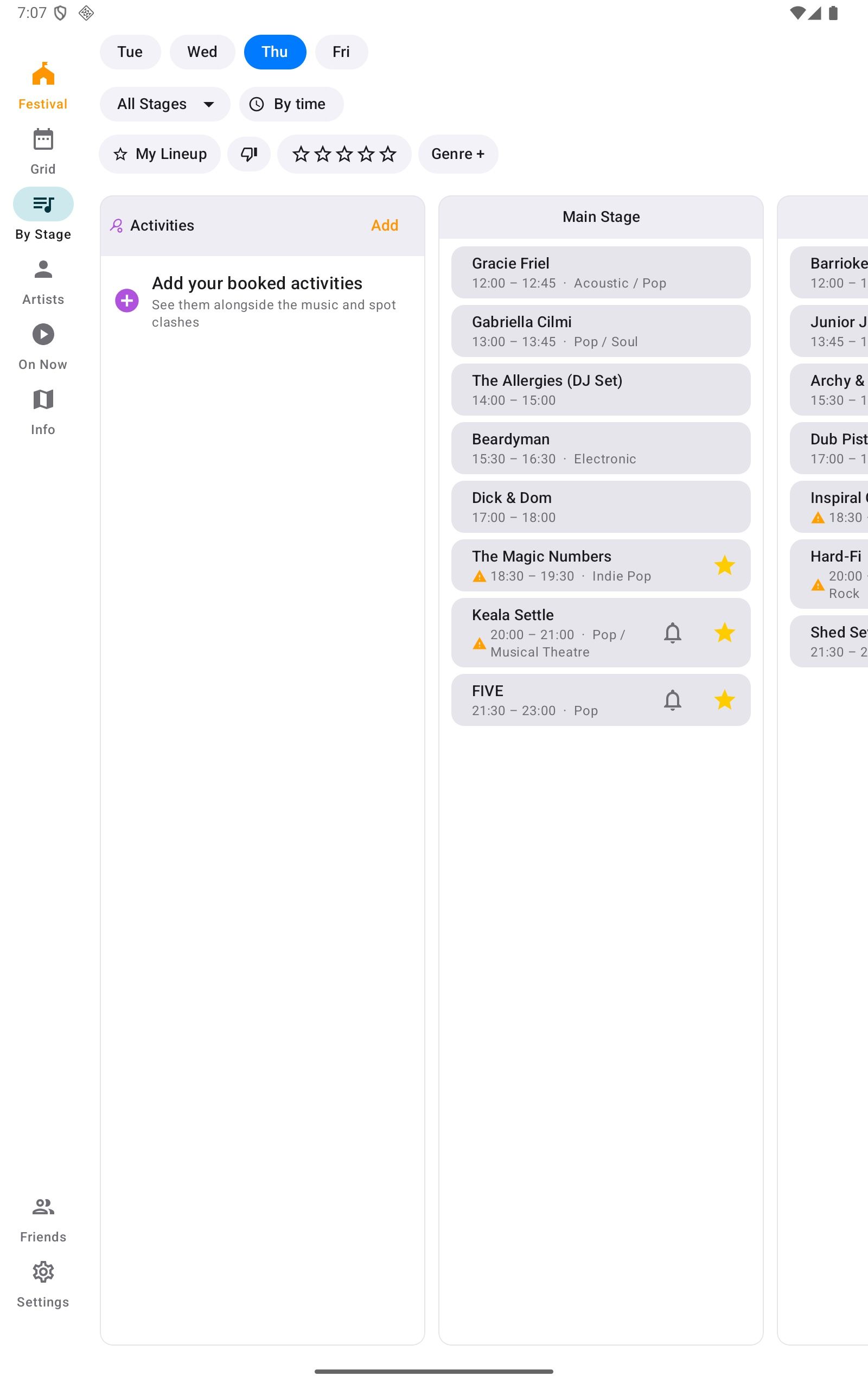
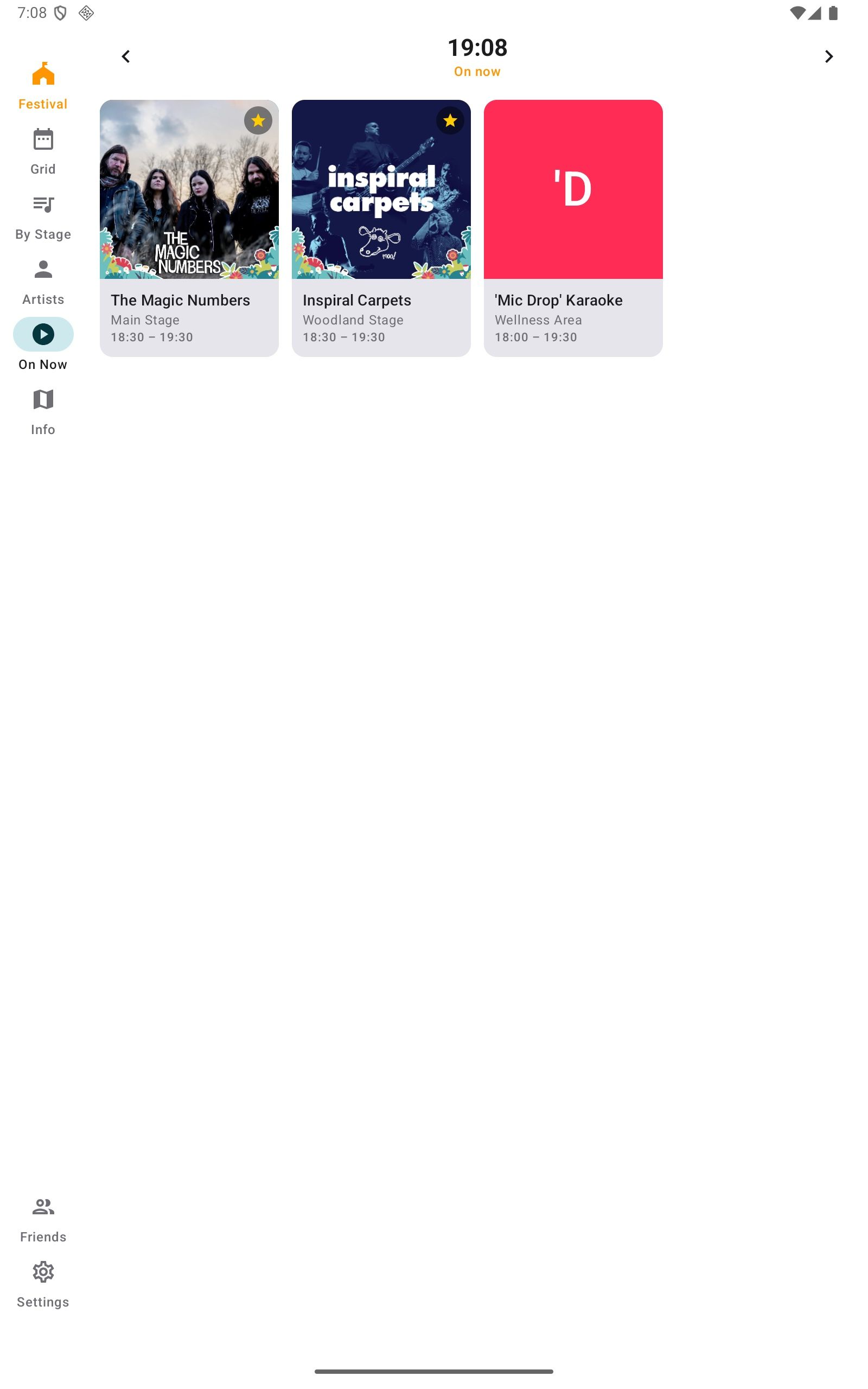
Every stage and every time on one screen, portrait or landscape. Acts in your lineup are highlighted, and rated acts are colour-coded, so the family can see at a glance who overlaps with whom. There is a By Stage list for people who prefer to scroll, and On Now for the moment you leave the tent.
“Loved it, really helped us figure out what we wanted to see and who'd be where. Great it worked with no internet signal, too”
Artist write-ups
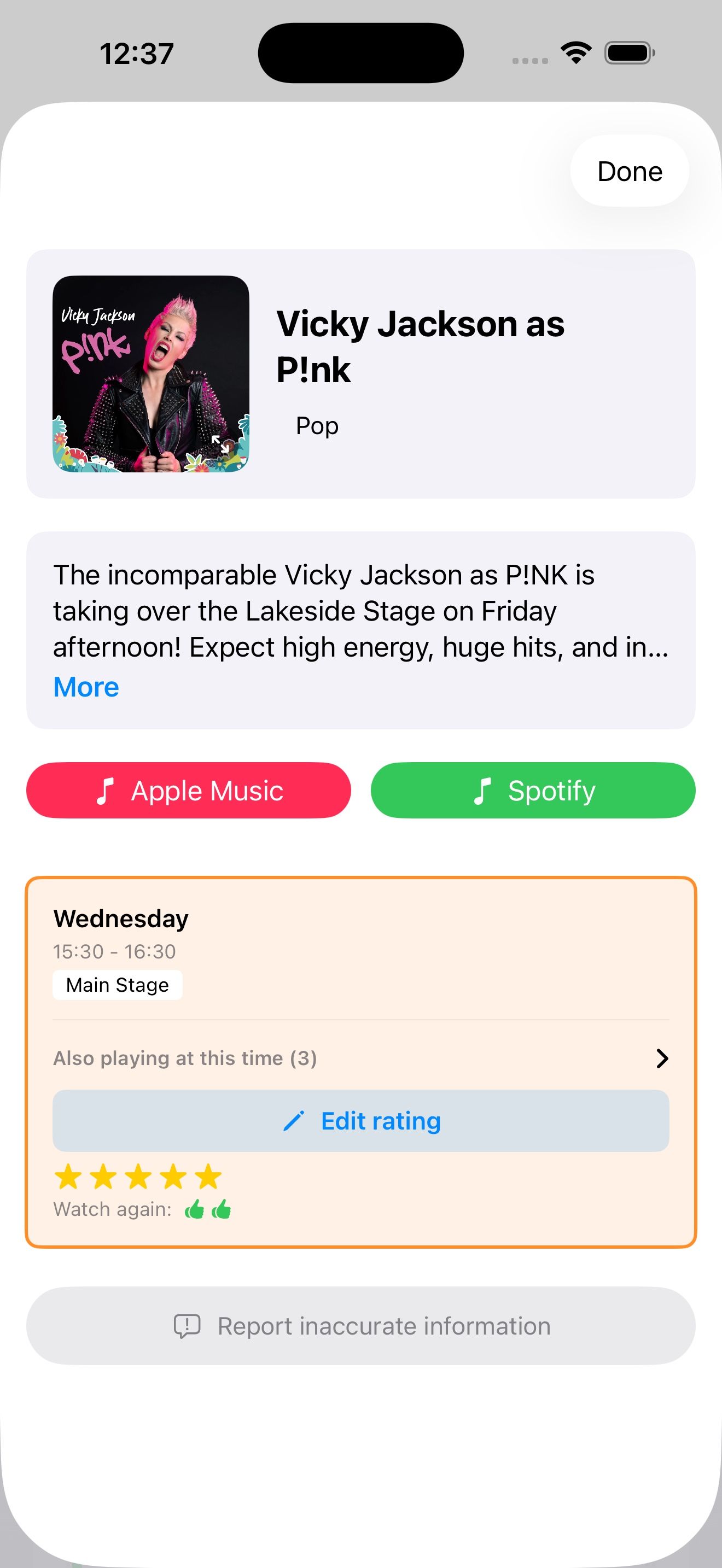
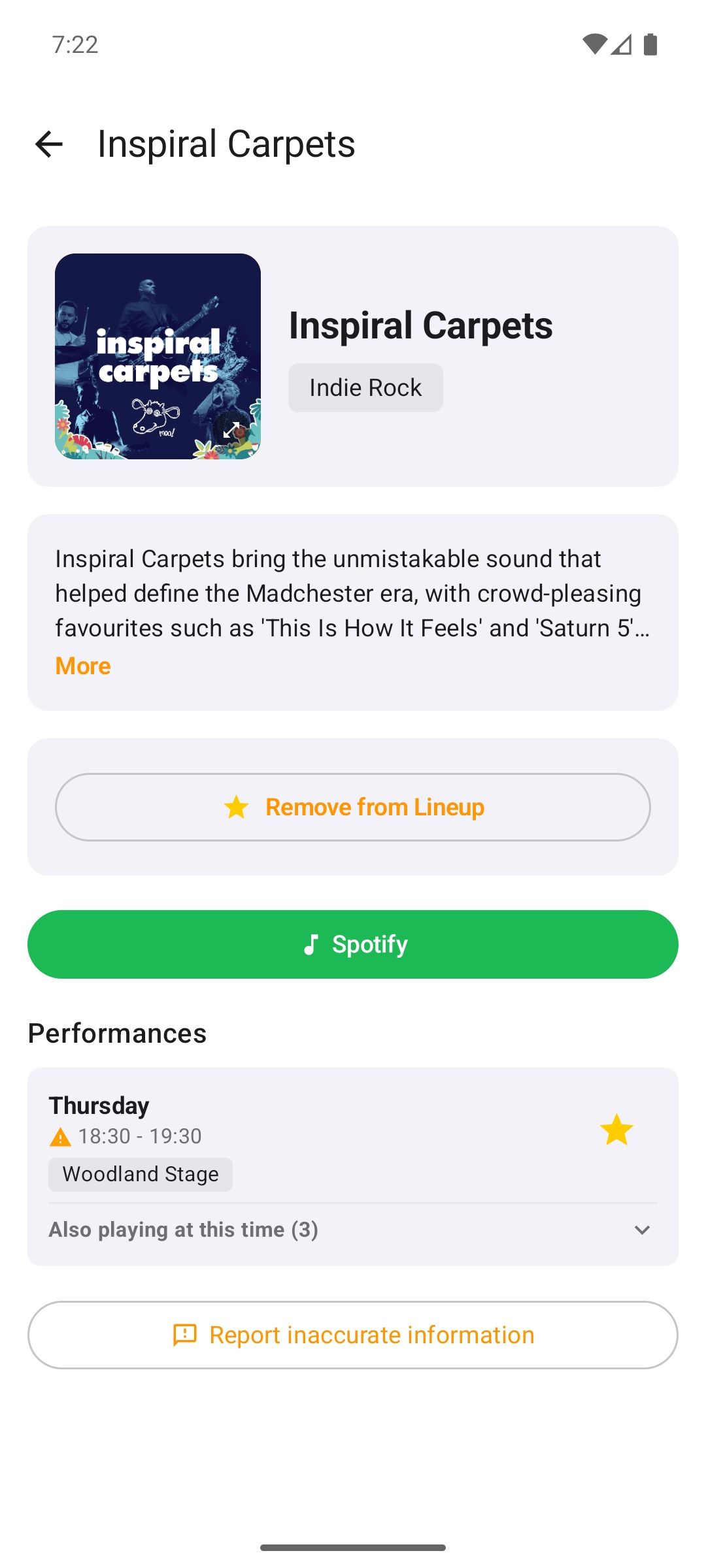
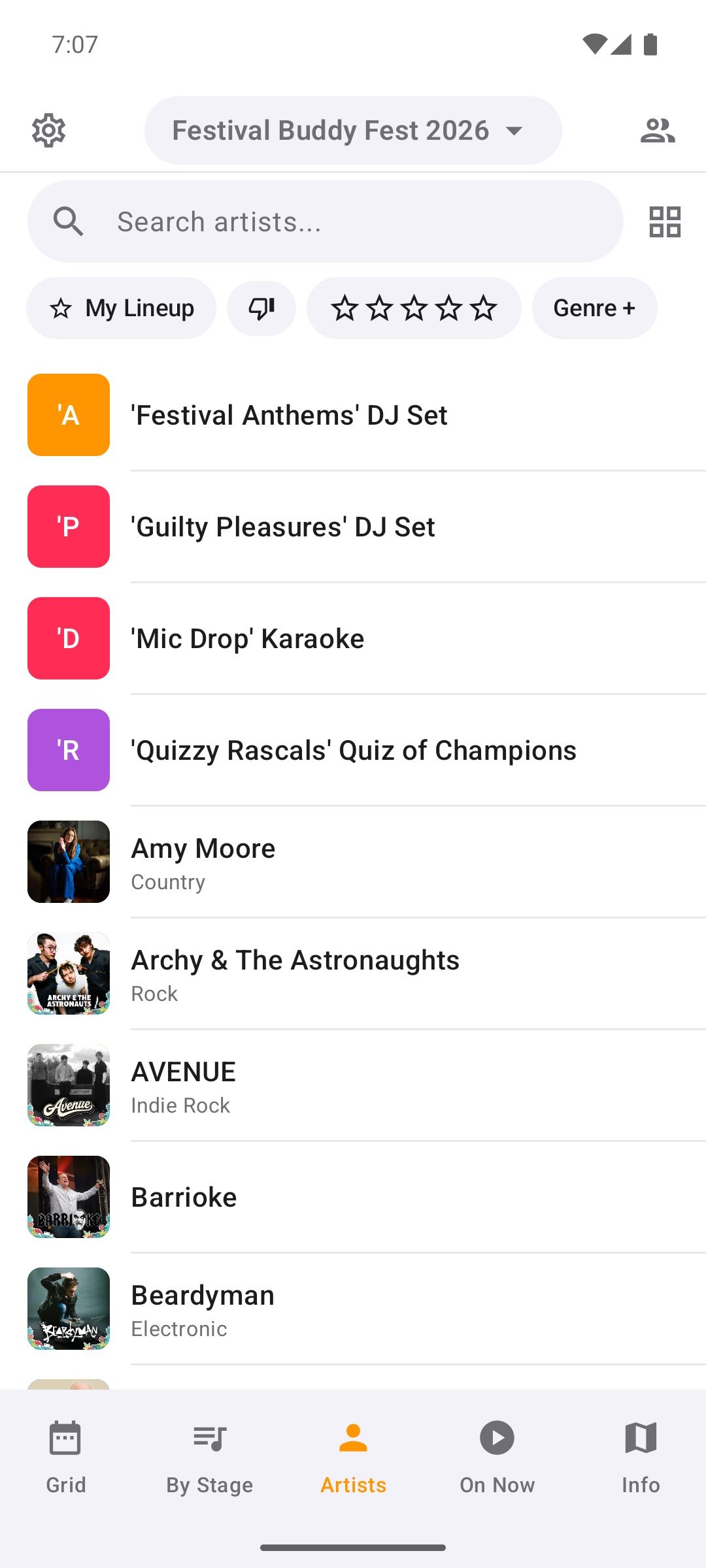
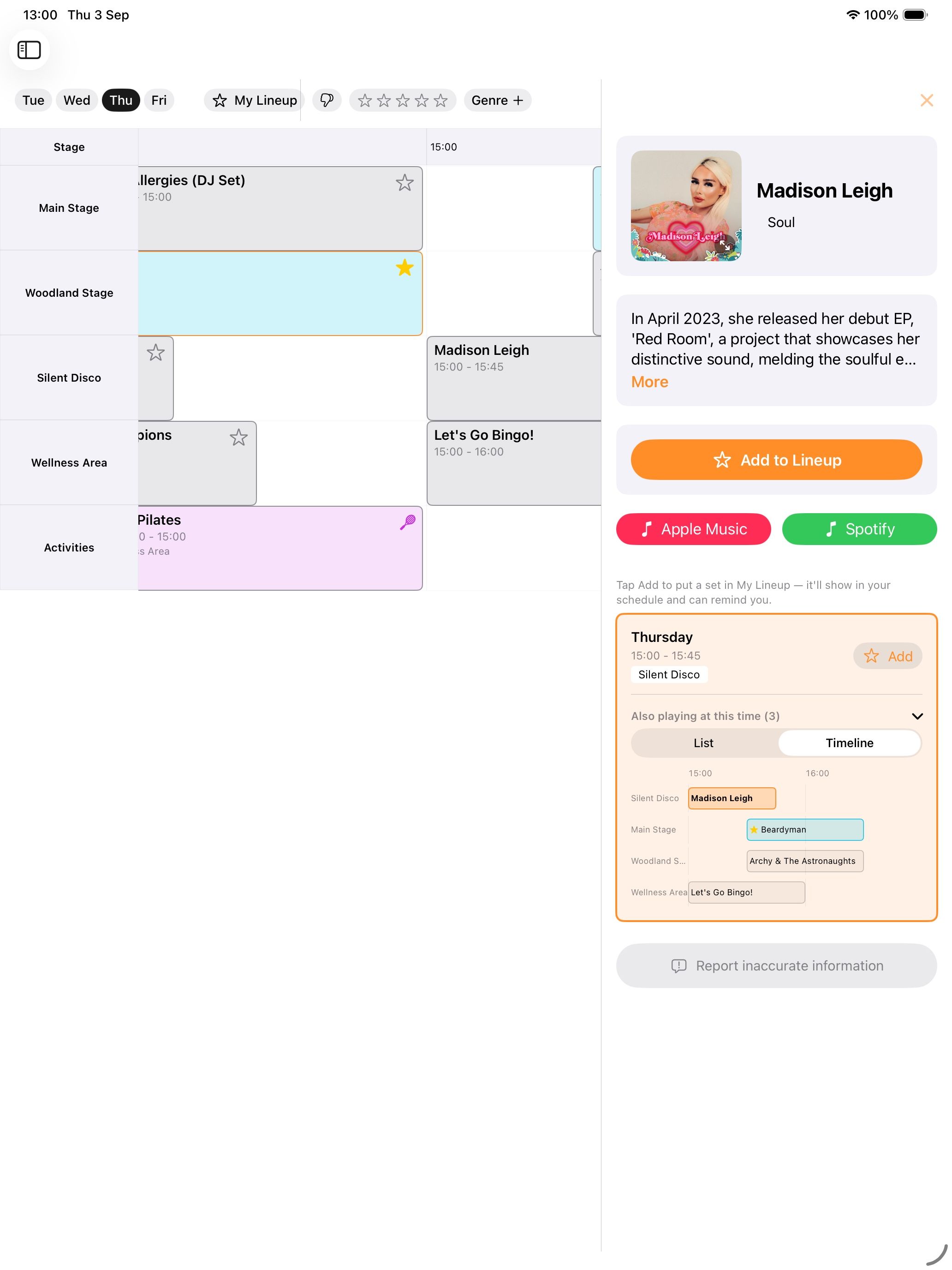
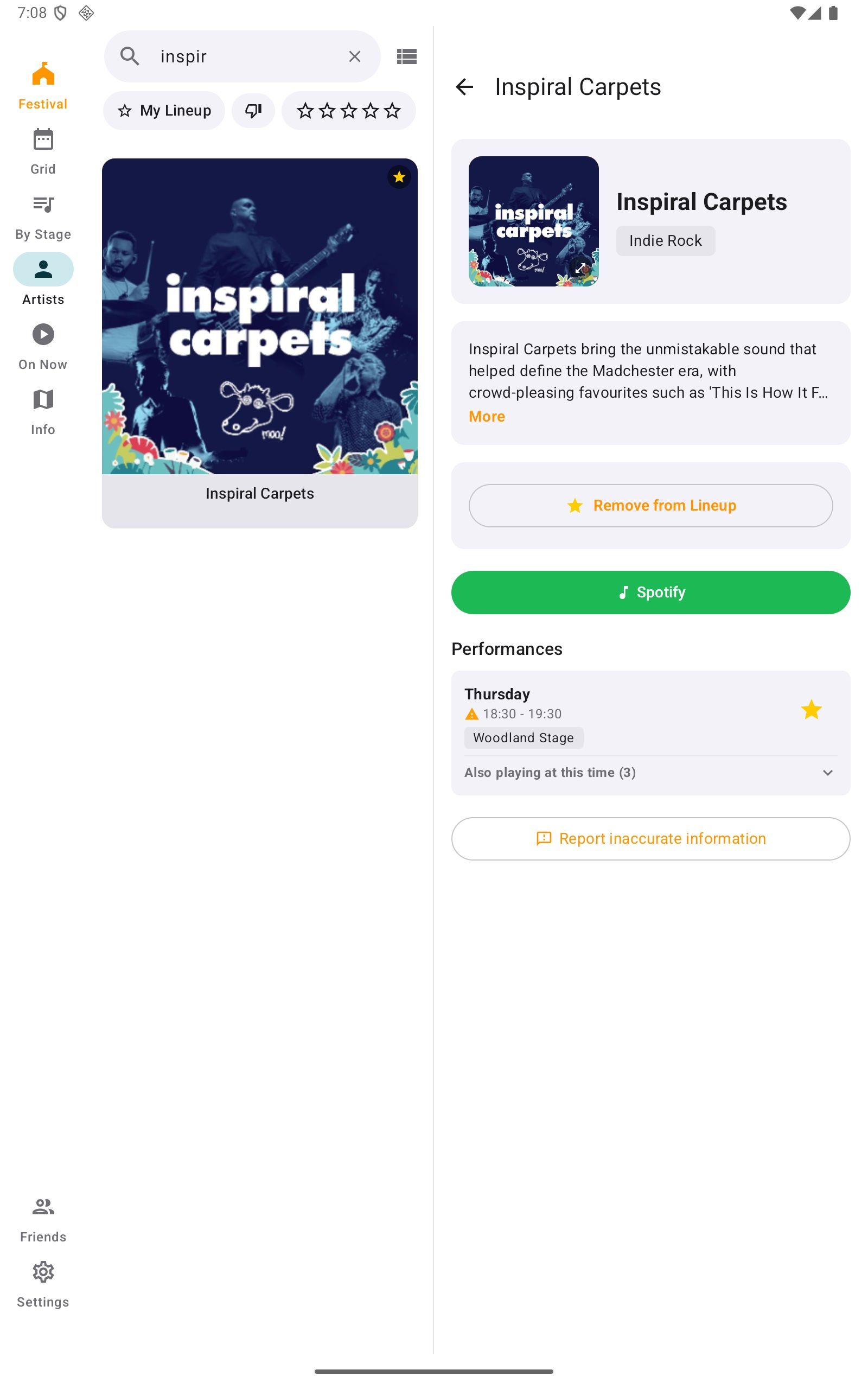
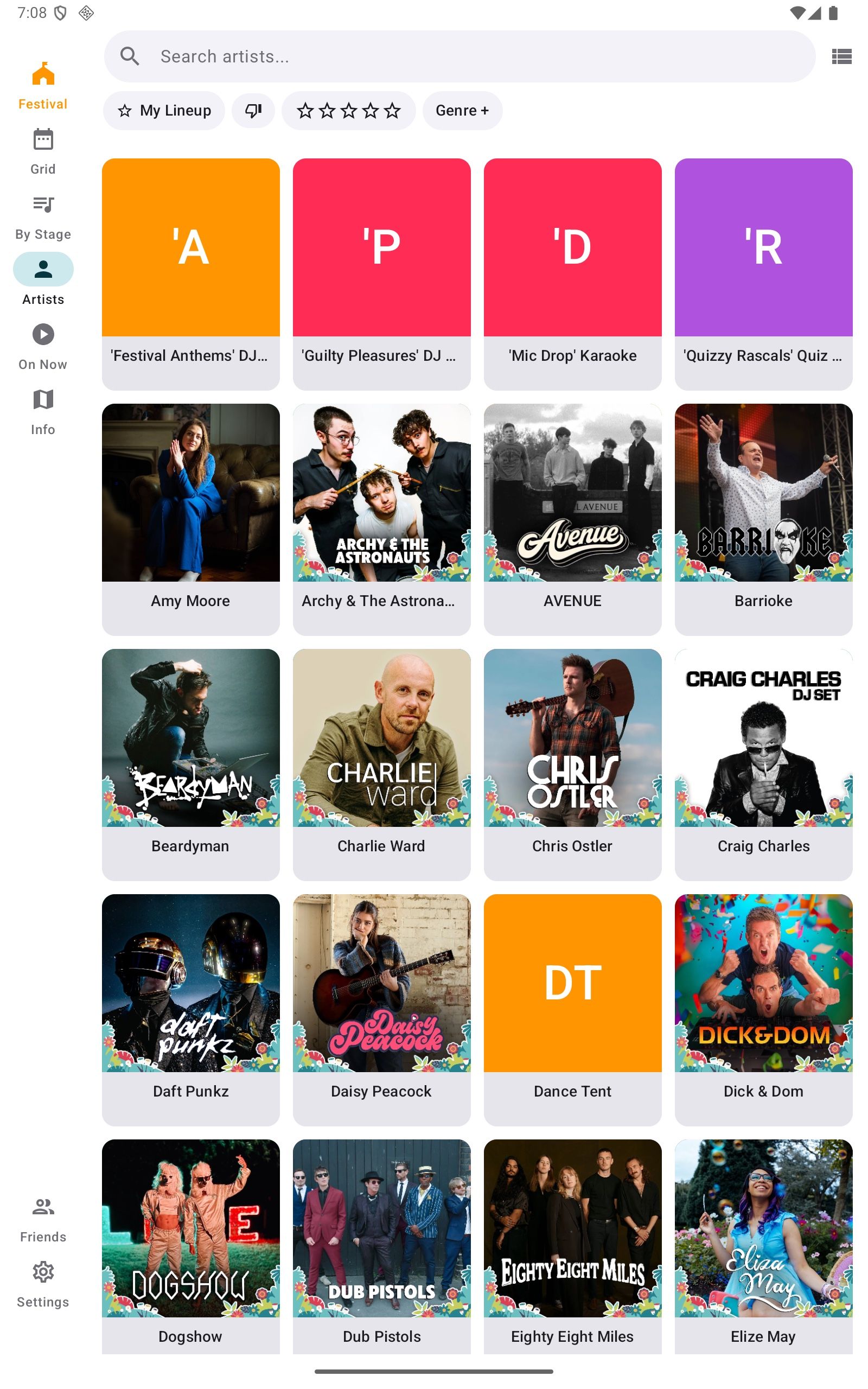
Every act has a page: artwork, genre, a short write-up and links to Apple Music and Spotify. People used them to decide what to see, and to introduce friends and family to acts they did not know.
“The link to Spotify was fantastic as we could listen to artists songs we didn't know.”
Your own lineup, with clash warnings
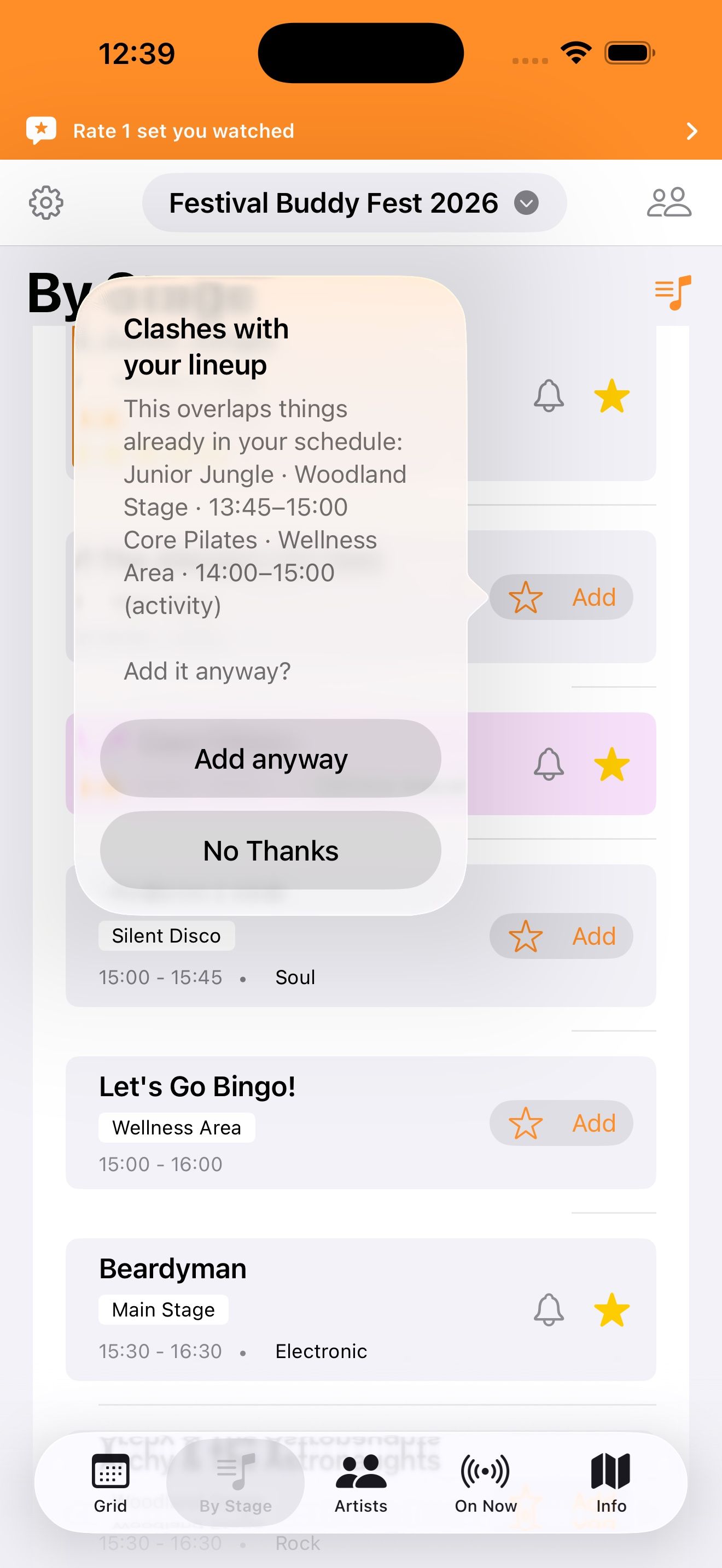
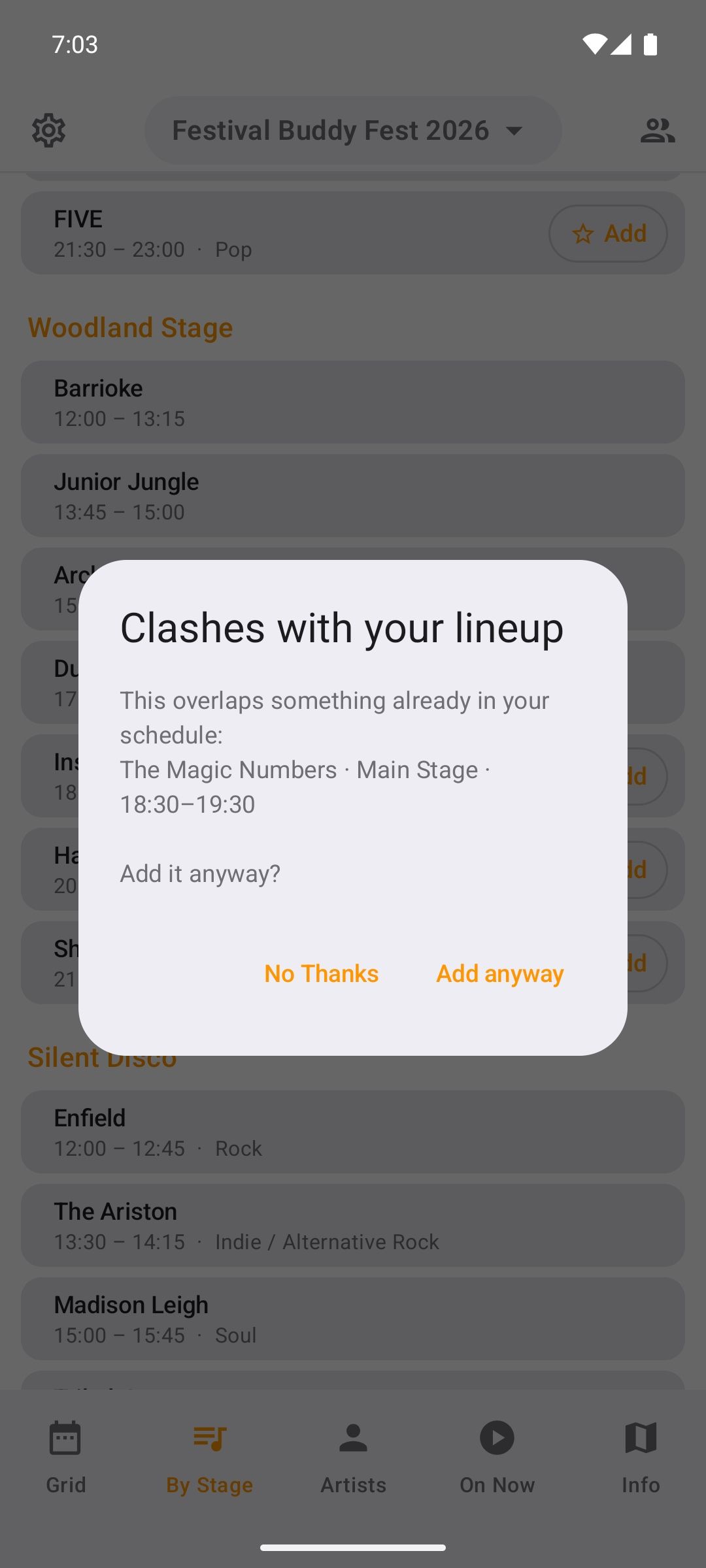
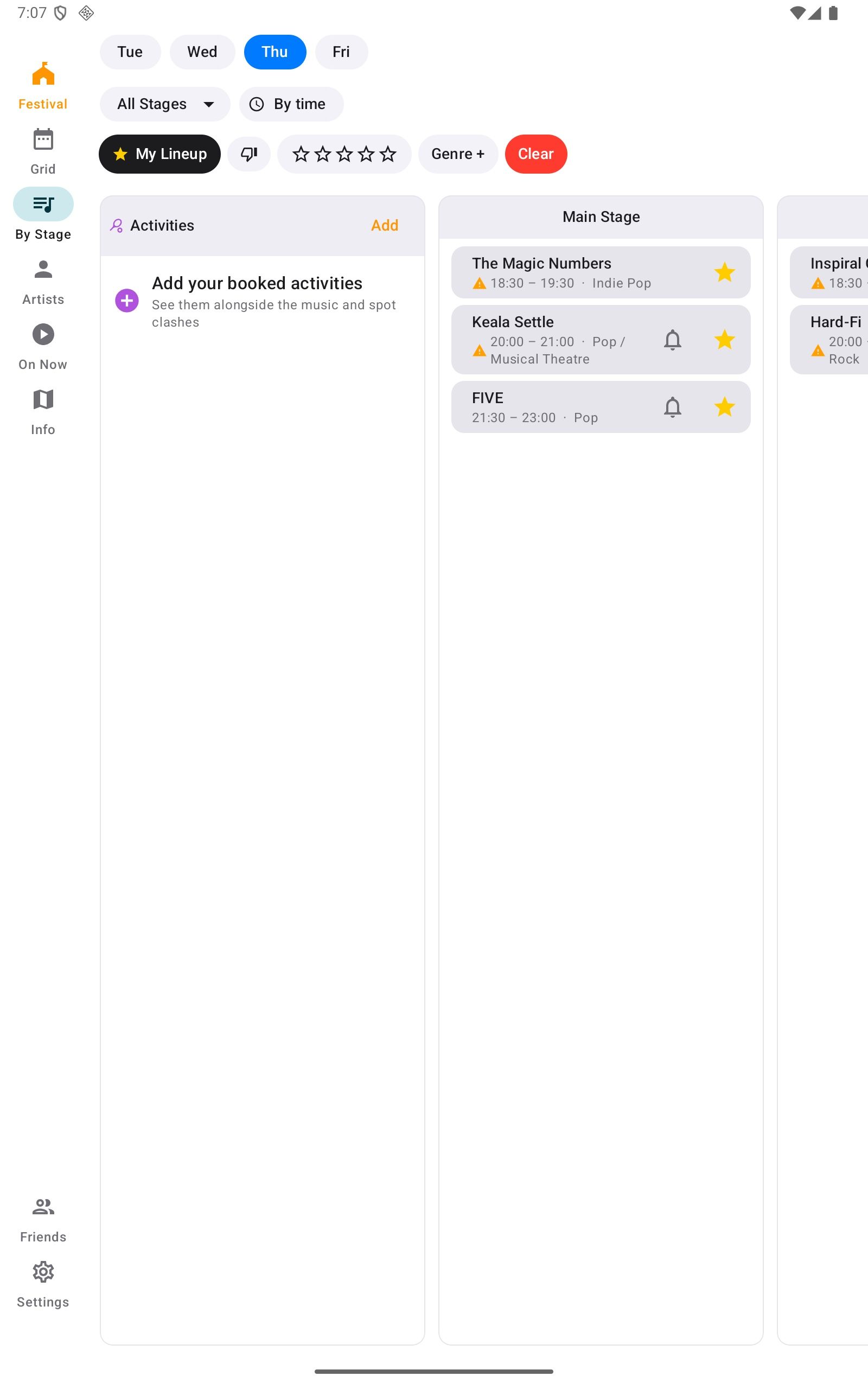
Add an act to My Lineup and it goes on your own timeline. If it overlaps with something already there, the app says so straight away. Activities can go in too. Friends can share lineups with each other, so the group can see who is heading where.
“Really helpful way to check who was on and loved the clashes pop up when you added something to your lineup”
Add friends
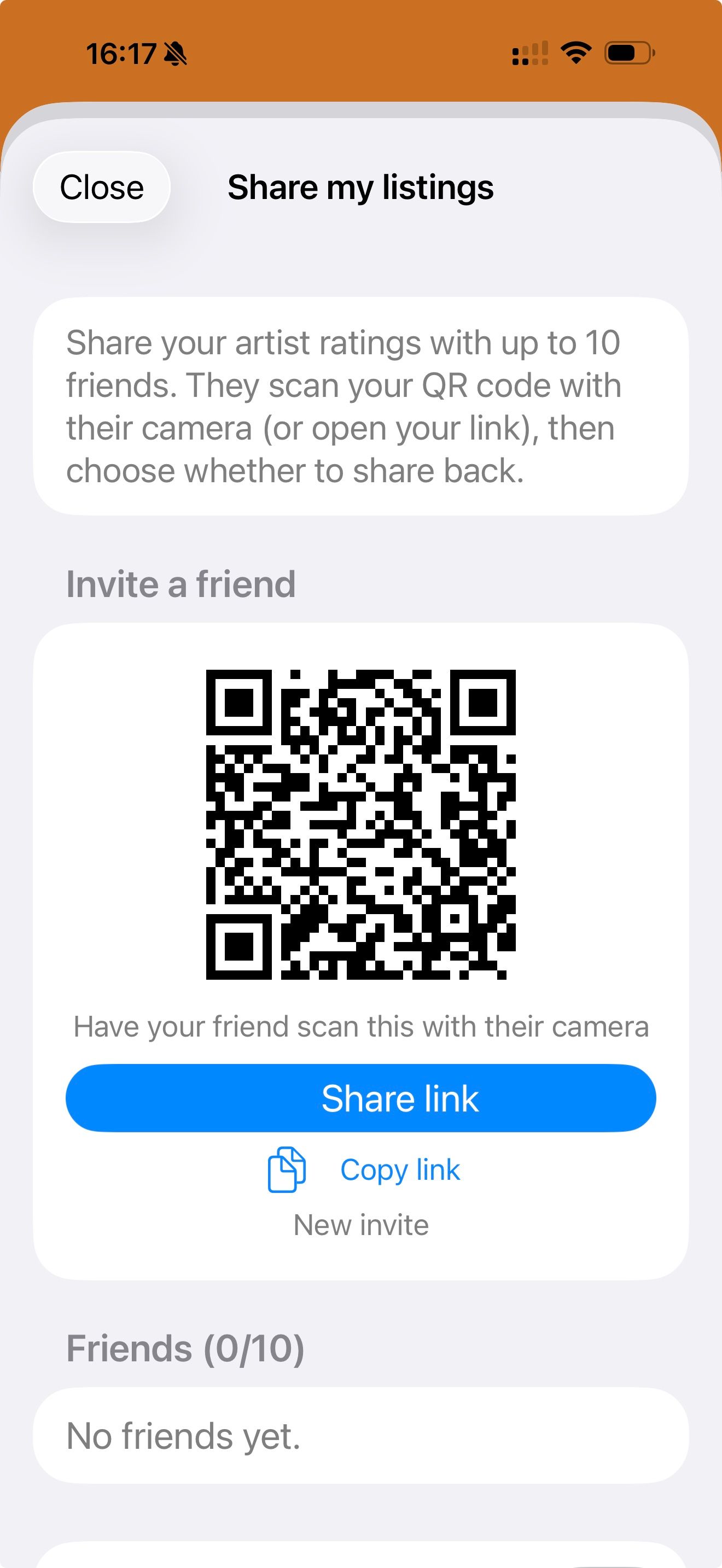
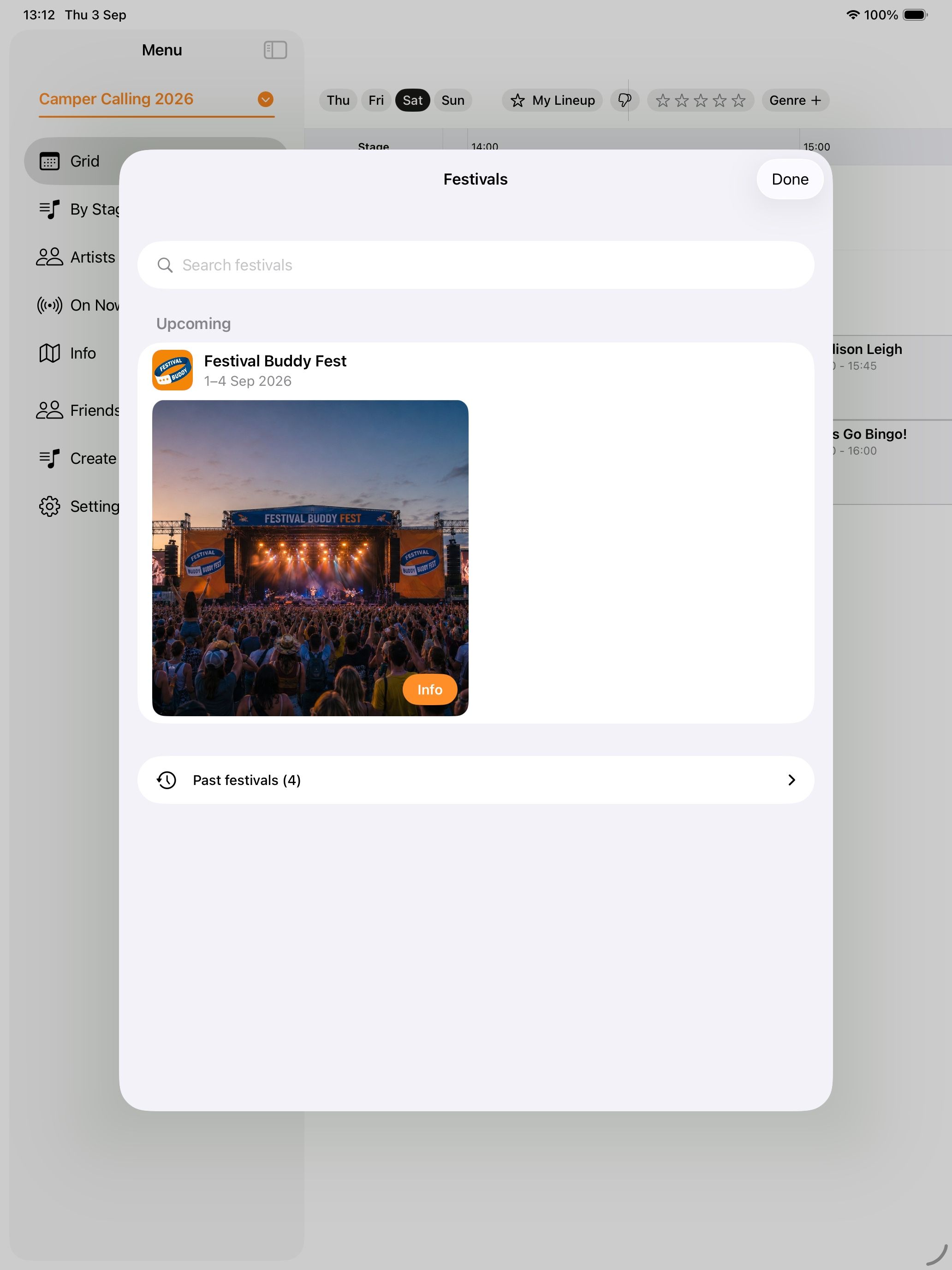
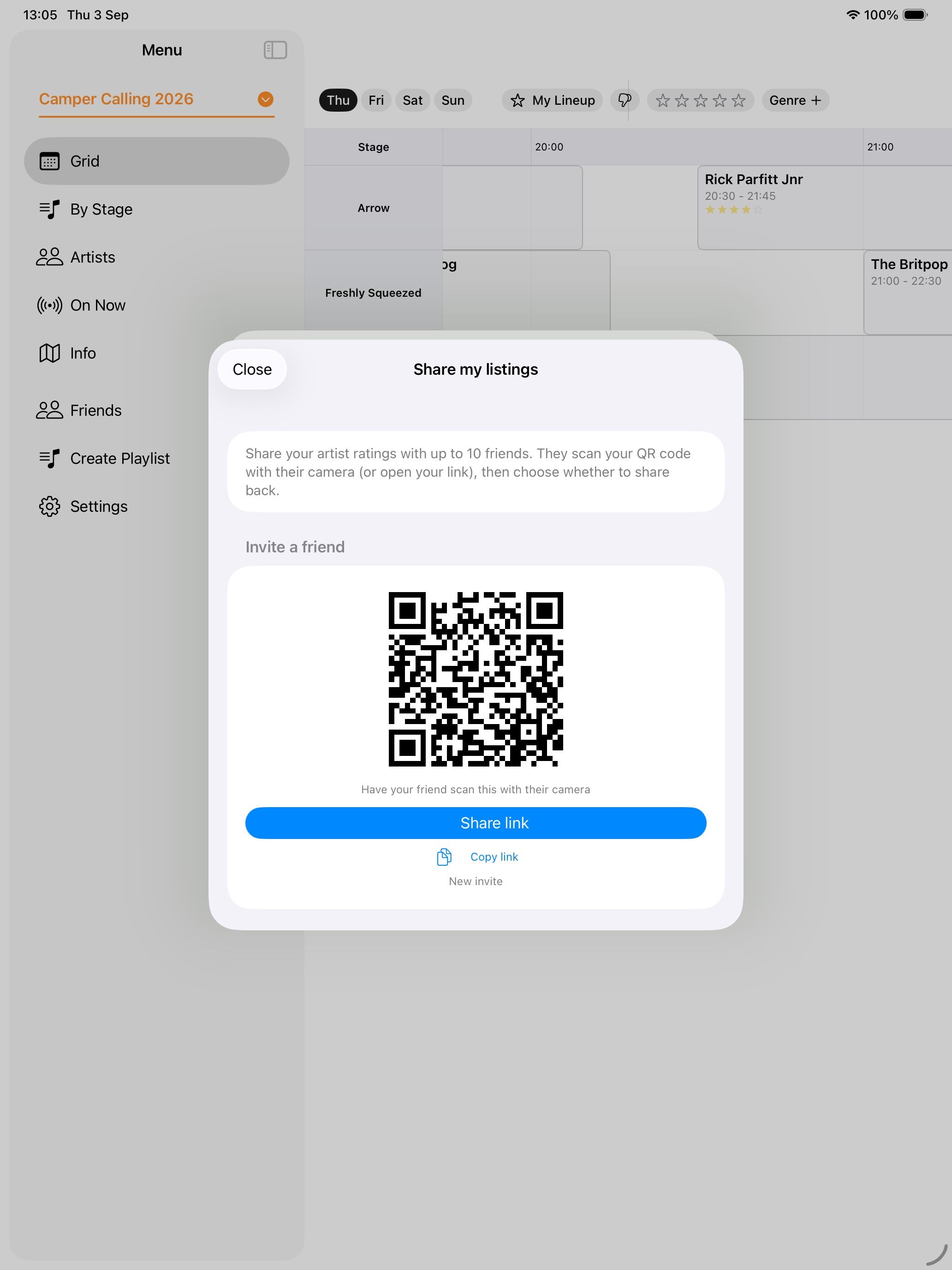
Invite up to ten friends by QR code or link and swap lineups both ways, so the group can see who is heading where and when.
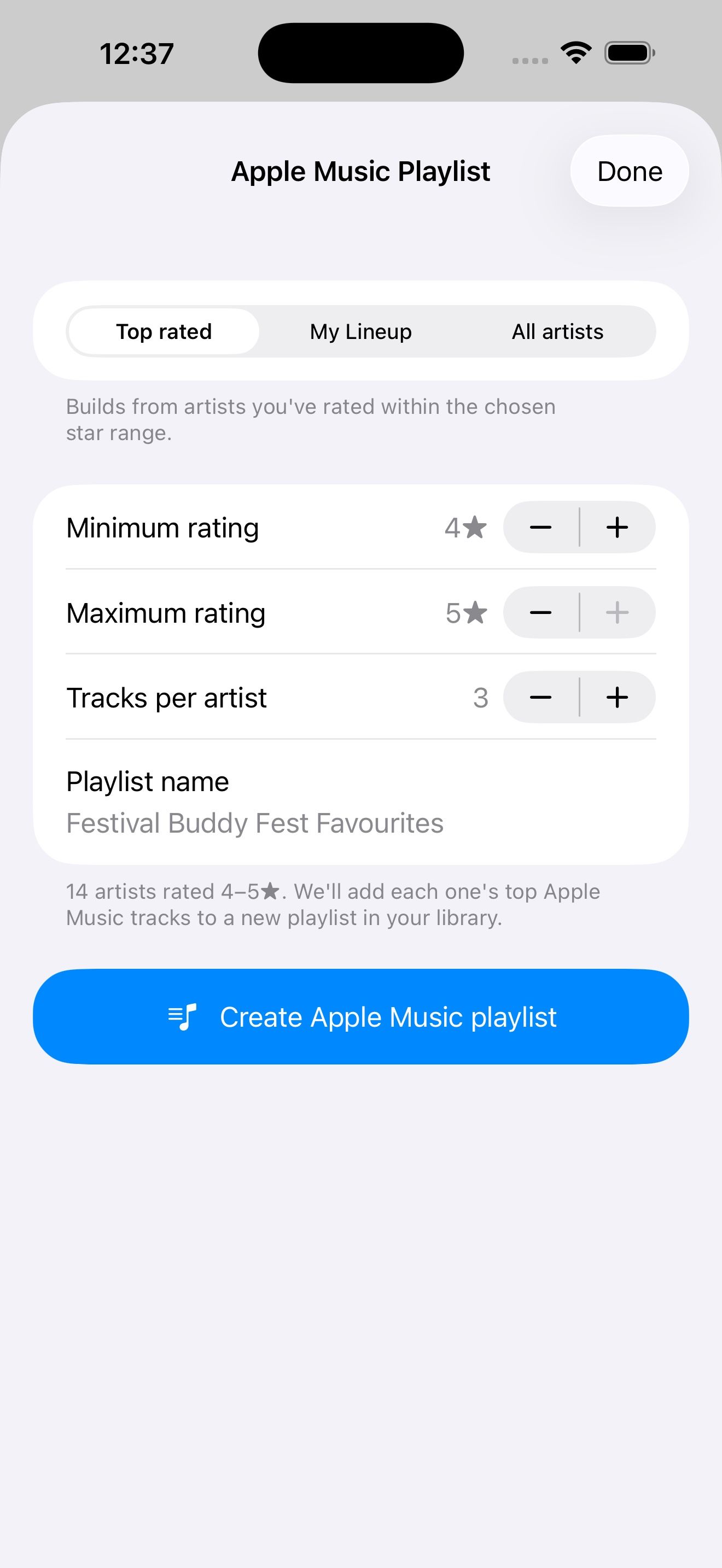
Create an Apple Music playlist
Turn your top-rated artists, your lineup or the whole bill into a playlist in your Apple Music library, ready for the drive there.
Artists list
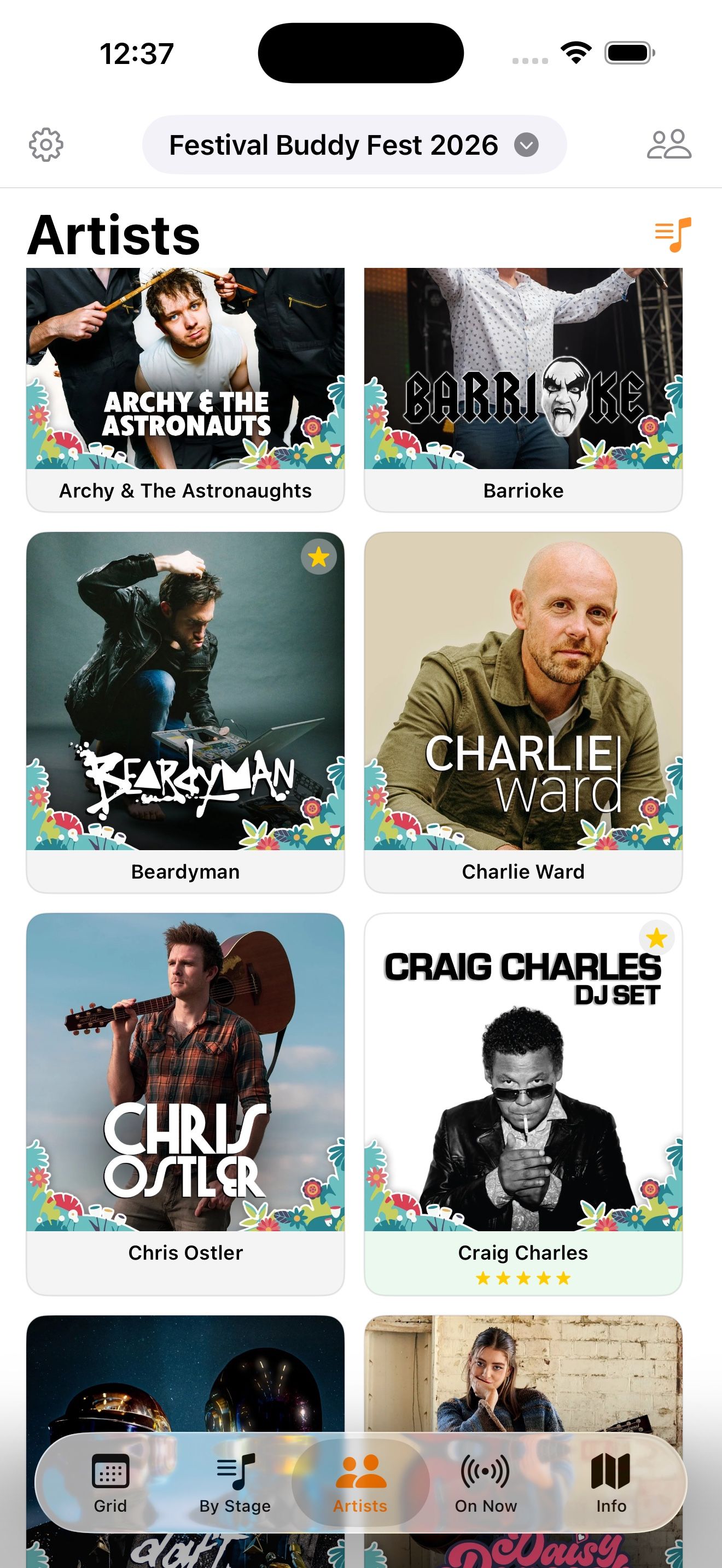
Every act with its artwork, searchable by name and filterable by genre, with your ratings shown on each card.
“Really useful. Particularly as paper map disintegrated.”
On Now
One screen for the moment you leave the tent: what is on right now on every stage, and what is next.
Maps and FAQs
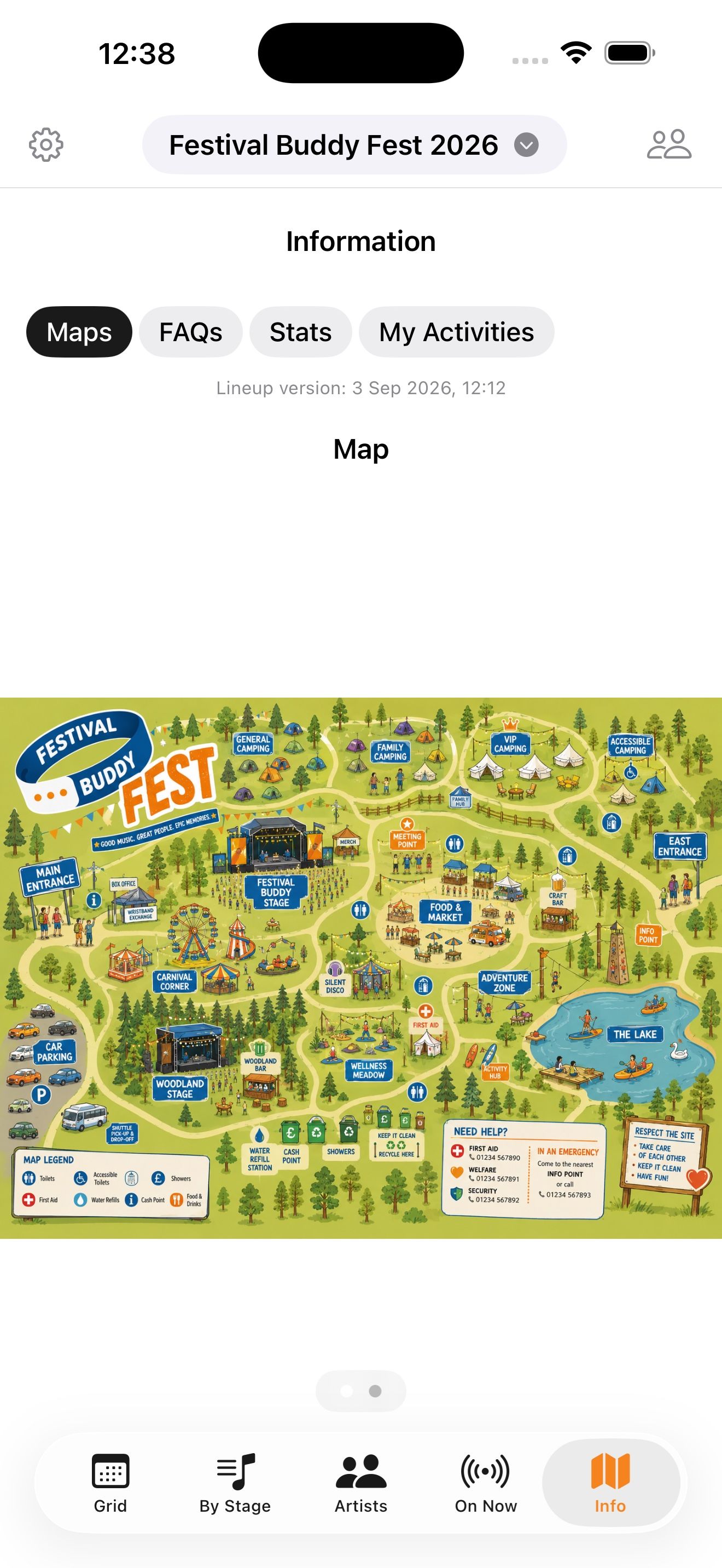
The site map and the festival’s own FAQs, stored on the phone so they open in the field without a signal.
“Found the app very useful, particularly in the wet weather when trying to get the paper one out was impossible.”
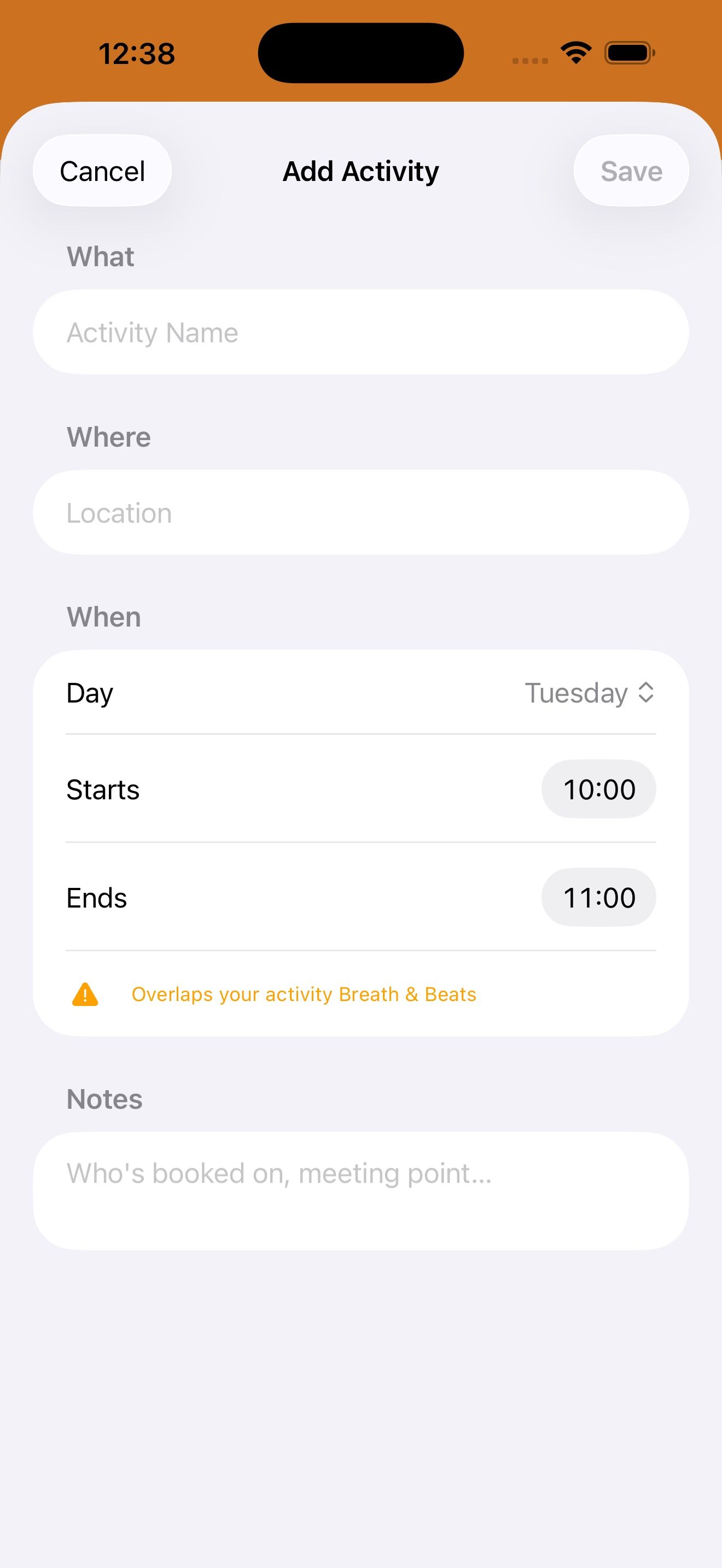
Add activities
Yoga, a talk, a workshop or a booked slot: add it alongside the music and it sits in your lineup with the same clash warnings.
“Loved the ability to add any activities to it.”
Rate artists
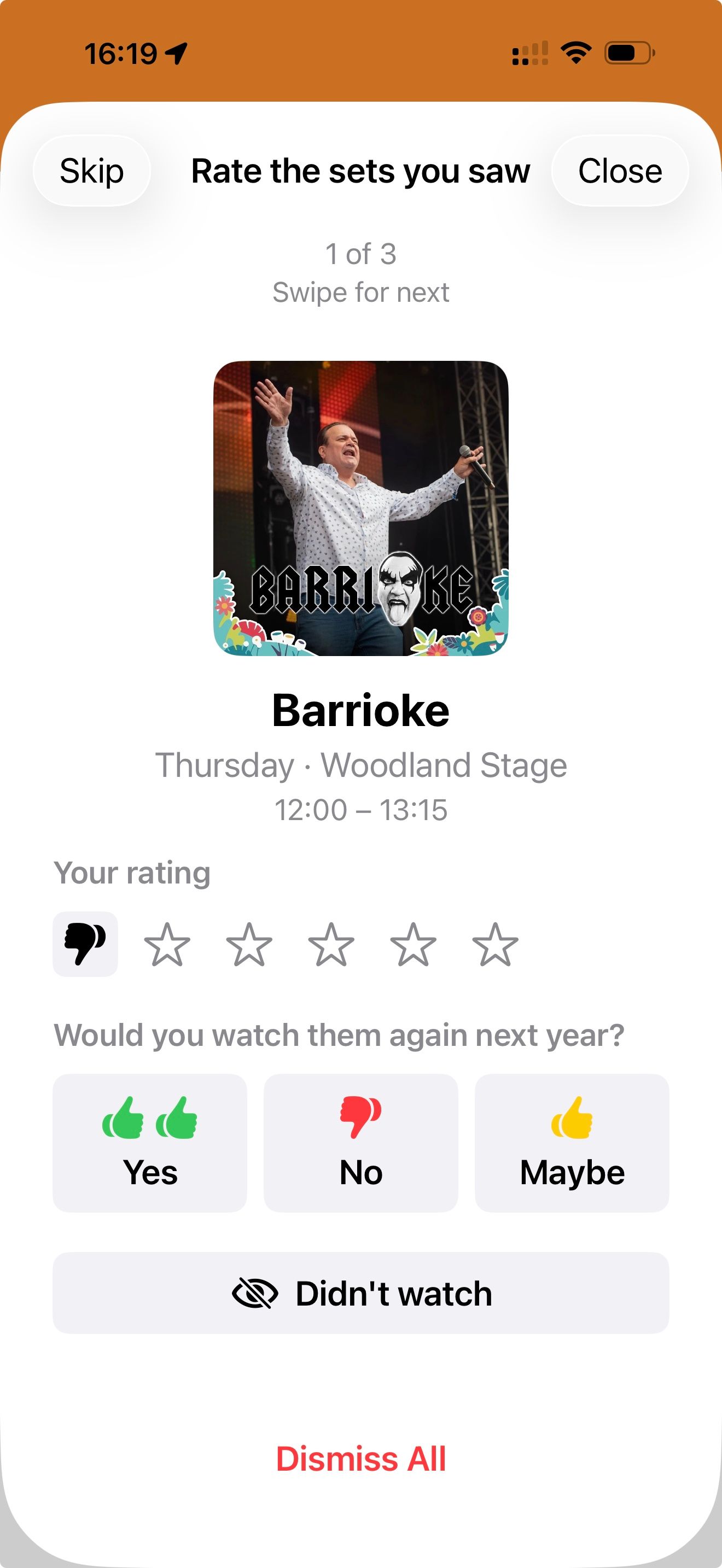
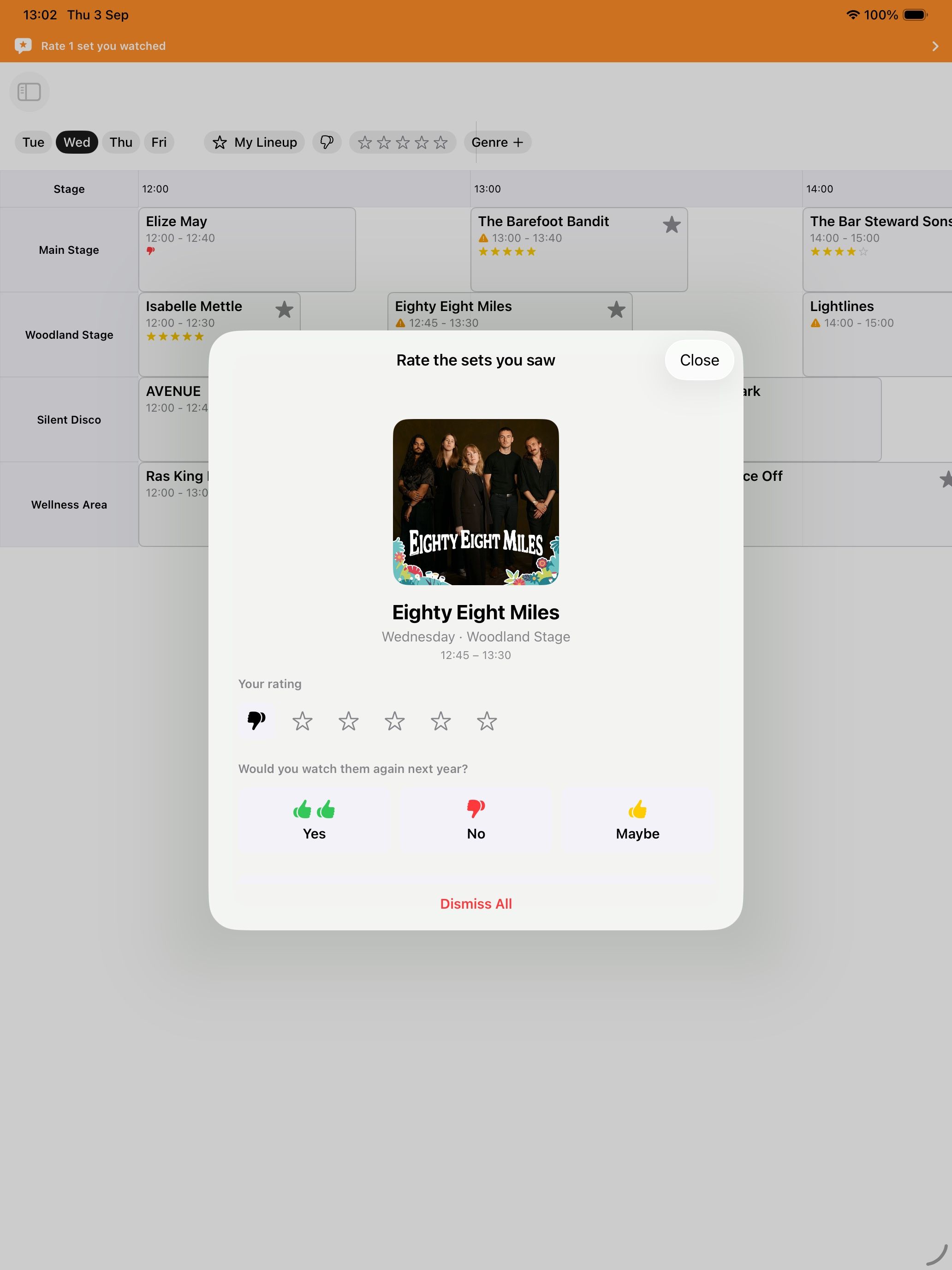
After a set finishes the app asks how it was and whether you would watch them again. Ratings are kept across years, so next summer you will remember who you loved.
“I loved the prompt to rate the artist after I had watched them all. I did this each morning whilst reflecting on the previous day.”
What it will not do
No adverts, no advertising SDKs, no cross-app tracking, no location. People asked for that in the survey and the privacy policy already promises it. Organisers see aggregate counts and averages, never names. Privacy.
Two ways to get it
Going to a festival? It is free. Running one? Let’s talk.